

Here's a step-by-step guide to setting up the Fireflies HubSpot integration. Learn key advantages of integrating these platforms.
On this page
- How to integrate Fireflies with HubSpot?
- Benefits: Fireflies + HubSpot integration
- Eliminate data entry into the CRM
- Focus on conversations instead of manual note-taking
- Get accurate summaries the way you want
- Streamlined workflows
- Enhanced collaboration
- Improved customer insights
- Deal information in Fireflies Notepad
Integrating Fireflies with HubSpot streamlines workflows and enhances team collaboration. It automates data entry by transcribing calls and sending meeting notes and summaries straight to the CRM software.
In this article, we'll look at the advantages of integrating these platforms, explain how the integration works, and provide a step-by-step guide to setting it up yourself.
How to integrate Fireflies with HubSpot?
Follow these steps to set up the integration:
Step 1: Log in to your Fireflies accounts.
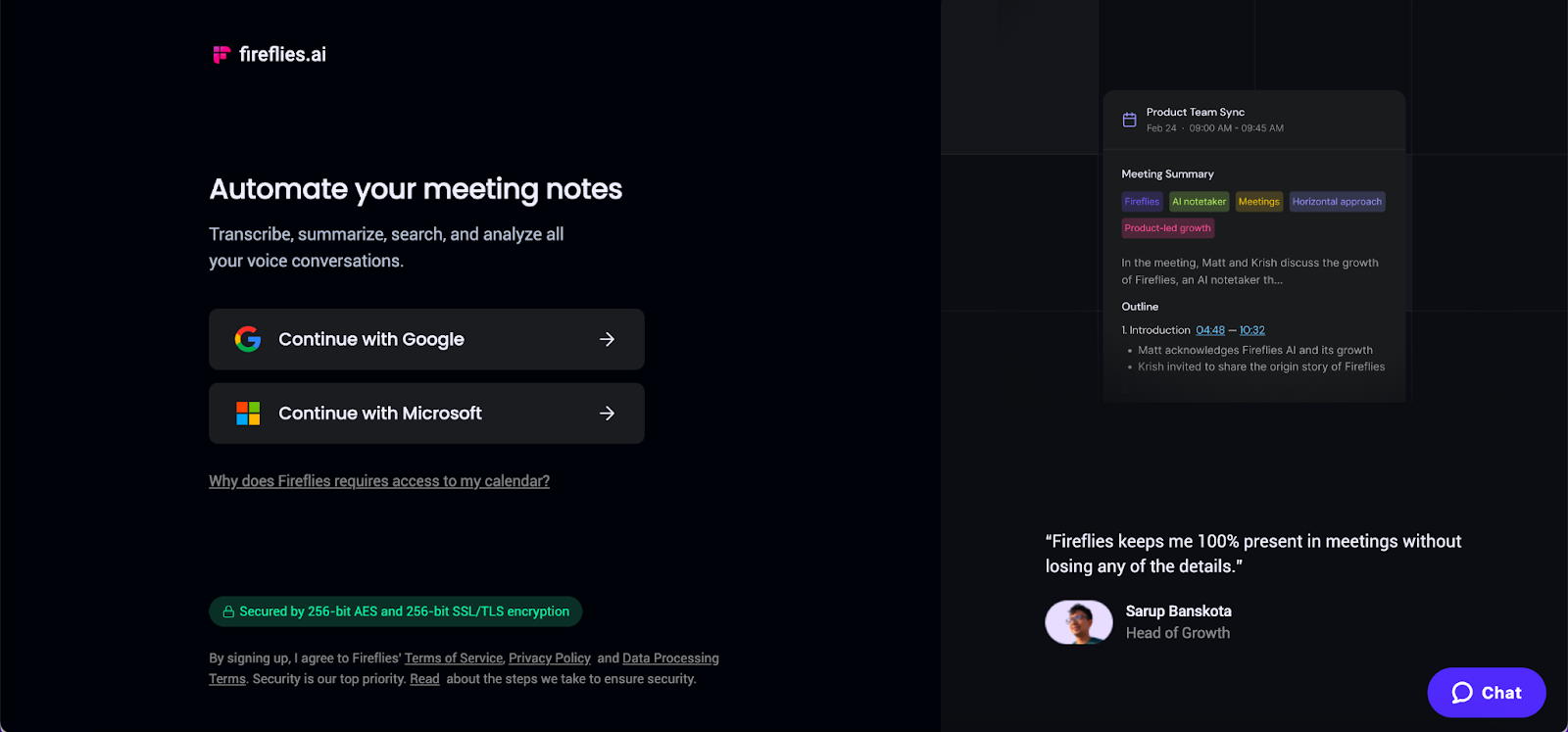
Step 2: On the Fireflies dashboard, navigate to Integrations.

Step 3: Go to the HubSpot integration.

Step 4: Click the Connect button and authorize the integration by signing in to your HubSpot account. This will allow Fireflies to access and transfer data to HubSpot securely.

Once the integration is set up, Fireflies will automatically push meeting notes, summaries, and recordings to the corresponding contacts or deals in HubSpot.
Benefits: Fireflies + HubSpot integration
By integrating Fireflies and HubSpot, users can unlock a multitude of benefits:
Eliminate data entry into the CRM
Fireflies automatically transcribes your calls and meetings and then logs the transcriptions, notes, and audio recordings into HubSpot CRM. This eliminates manual data entry, saving time and reducing the risk of manual errors.
Focus on conversations instead of manual note-taking
Fireflies frees you up to engage fully in conversations instead of scrambling to take notes manually. Its automated transcription feature records and transcribes calls and meetings with over 90% accuracy. This allows you to revisit conversations later or easily share recaps with stakeholders.
Get accurate summaries the way you want
Teach Fireflies to take meeting notes your way, crafting custom summaries highlighting customer follow-ups, objections, and action items.
Streamlined workflows
The integration allows seamless transfer of meeting notes, summaries, and recordings so all relevant information is organized and easily accessible within the CRM platform.
Enhanced collaboration
Collaborate on recaps, action items, and follow-ups within HubSpot to keep everyone informed and improve productivity.
Improved customer insights
The integration consolidates customer insights gathered during meetings into HubSpot. This empowers sales, marketing, and customer service teams with valuable data to understand customer needs better, personalize interactions, and drive meaningful engagements.
Under the HubSpot integration settings, you can choose Deal pipeline and input custom Deal stage to get more customized notes and insights from your calls.

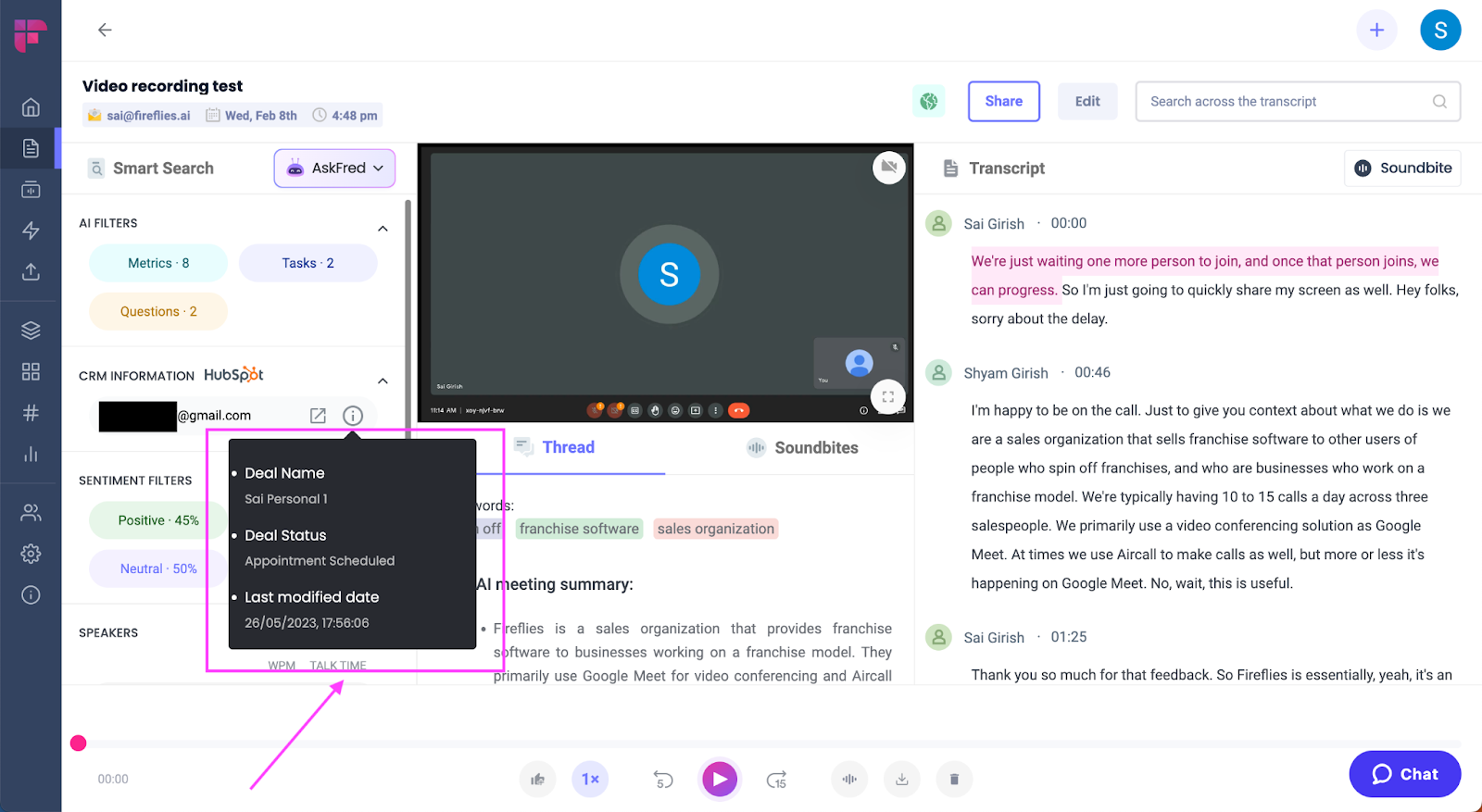
Deal information in Fireflies Notepad
Conveniently access the relevant deal information directly in Fireflies Notepad after every call. This eliminates the extra step of having to separately login and navigate to HubSpot just to view the deal details.
Final thoughts
Integrating Fireflies and HubSpot offers a powerful solution for streamlining workflows, enhancing collaboration, and unlocking valuable customer insights.
By integrating these platforms, businesses can optimize processes, improve team productivity, and foster meaningful customer engagements.

Ayush Kudesia is a B2B Content Writer at Fireflies.ai. He has over 5 years of experience writing long-form SEO content across multiple domains, including SaaS, marketing, and technology.


