
Video is one of the worst formats for knowledge work. You can't skim it, search it, or quote from it without watching the whole thing. Whether it's a 45-minute Zoom recording or a 2-hour YouTube lecture, the information is locked behind a play button.
For professionals who need to take notes from video, AI solves the problem of hours lost rewatching calls to find a single decision. For students and researchers, it eliminates the pause-and-rewind cycle of capturing key points by hand.
An ai notetaker for videos processes the audio, transcribes the conversation, and produces structured notes, summaries, and action items you can actually use.
This article covers the best ai note taker for videos across two use cases: recorded or live meeting videos (Zoom, Teams, Google Meet) and YouTube or educational videos. Several tools offer free ai video notes, and we'll flag which ones upfront.
If your primary need is live meeting transcription, Fireflies is the strongest option. If you mainly need notes from YouTube videos, NoteGPT and Eightify are solid starting points.
What Is an AI Note Taker for Videos?
An ai video note taker is a tool that processes video content, transcribes the audio, and produces structured notes, summaries, or action items automatically.
It goes beyond raw transcription: instead of just converting speech to text, it organizes what was said into topics, decisions, and next steps you can act on.
This makes it different from a basic transcription tool or a simple ai video summarizer. A transcription tool gives you a wall of text. An AI note taker gives you a document you can work with.
AI note takers for meeting videos vs. AI note takers for YouTube and educational videos
These two use cases require different tools. Meeting video tools typically support live bot joining (auto-joining Zoom or Teams calls via calendar), file upload for recorded meetings, CRM and Slack integrations, and speaker identification. They're built for teams that need notes flowing into business workflows.
YouTube and educational video tools work differently. They accept a YouTube URL or file upload and return summaries, key points, and sometimes flashcards or quizzes. They're built for students, researchers, and anyone extracting knowledge from public video content. Some tools, like Fireflies, bridge both use cases through their upload feature.
One more distinction: an AI video summarizer (like Eightify) produces a condensed overview designed for quick screening. An AI note taker goes further, producing structured notes with speaker identification, topic organization, action items, and business tool integrations.
Summarizers tell you what a video is about. Note takers tell you what to do about it.
Best AI Note Takers for Meeting Videos (Live and Recorded)
The best AI note takers for videos in 2026 depend on your use case.
For business meeting recordings and live calls, Fireflies leads on accuracy, integrations, and free plan depth. For YouTube and educational content, NoteGPT and Eightify offer lightweight alternatives.
Top picks by use case:
- Fireflies: Best for meeting recordings and live calls. 99% English accuracy, 100+ languages, 100+ integrations, free plan available.
- tl;dv: Best free option for unlimited meeting recordings across Zoom, Meet, and Teams.
- Otter.ai: Best for in-person recording via mobile app.
- NoteGPT: Best for YouTube videos and academic research. Paid plans only.
- Eightify: Best for quick YouTube video screening via Chrome extension.
- ScreenApp: Best for watermark-free screen recording with AI notes.
If you have a Zoom, Teams, or Google Meet recording from a call and want structured notes, action items, and a summary without watching it back, the following tools handle it.
They also join live meetings to capture everything in real time.
1. Fireflies (Recommended for business meeting videos)
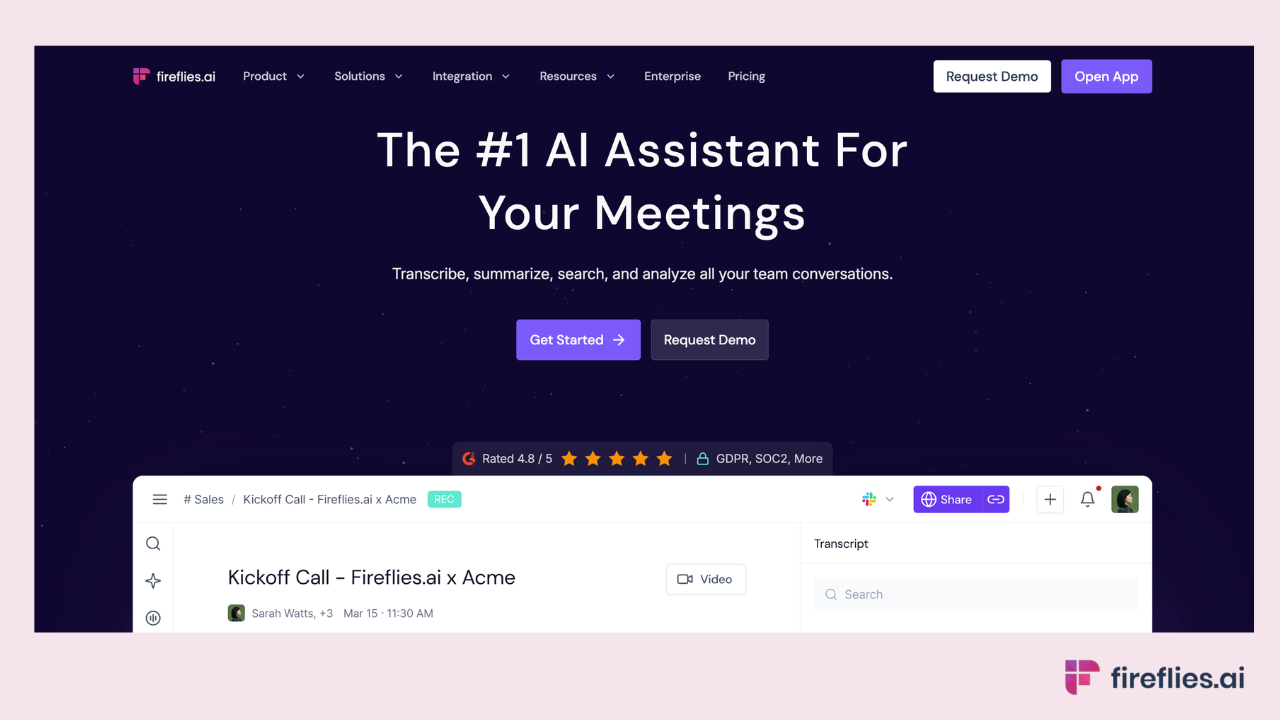
Fireflies is the most complete ai notetaker for meeting videos and the top AI note taker for teams that need structured output from every call.
It works two ways: a bot that auto-joins your live calls via calendar integration, and an upload flow that generates meeting recording notes with AI from any recorded video you already have.
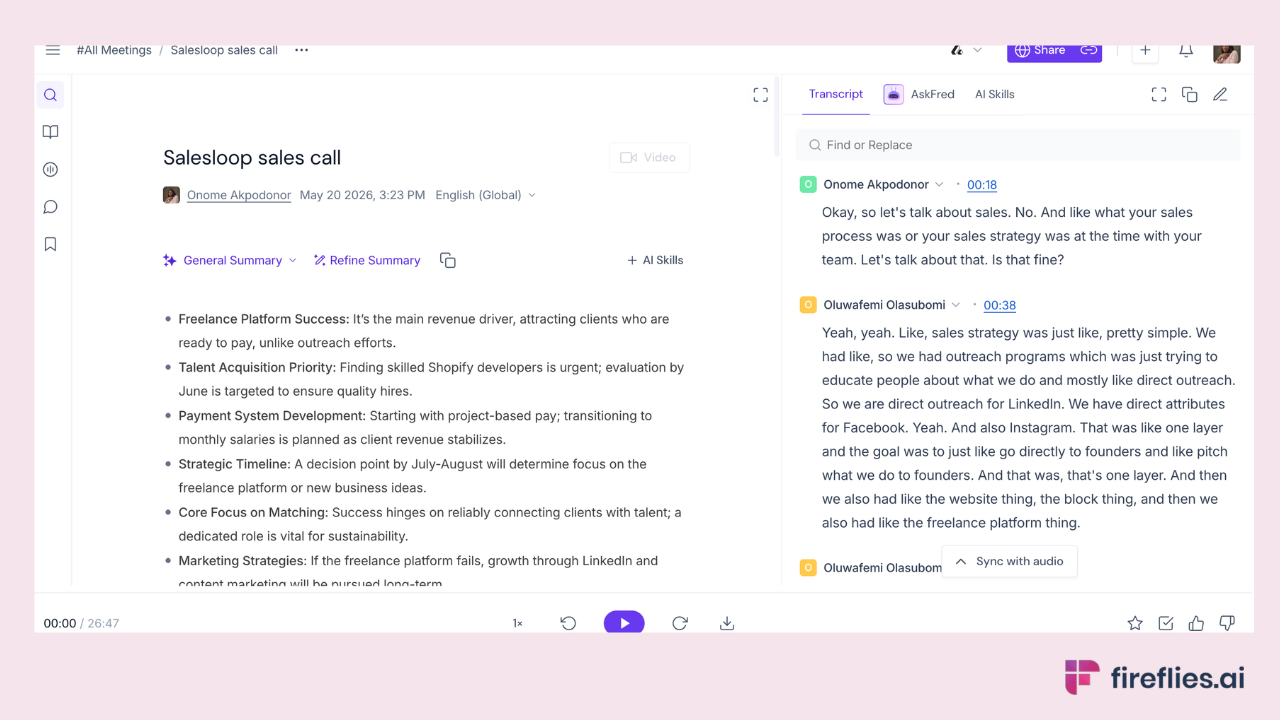
For live meetings: Connect your Google or Outlook calendar, configure which meetings Fireflies should join, and the AI Notetaker joins automatically. It records, transcribes with speaker labels, and delivers an AI meeting notes summary with topics, decisions, and action items after the call.
Fireflies captures more than just the transcript.
On Business plans and above, Fireflies adds sentiment analysis that tracks the emotional tone across the conversation
This is particularly useful for sales teams reviewing prospect calls or managers coaching their reports on client interactions.
Live Assist provides real-time coaching and suggestions during calls through the Chrome Extension, not just after. You can see notes, prompts, and AI suggestions in a side pane visible only to you while the meeting is happening.
For recorded videos: Download your Zoom, Teams, or Google Meet recording, upload it to Fireflies, and receive the same structured output: full transcript, AI summary, and action items. The upload flow works on the free plan.
Fireflies integrates with Salesforce, HubSpot, Slack, Notion, Asana, Jira, and 100+ other tools. Transcription accuracy reaches 99% for English and 95% for other languages, based on internal testing across a range of audio conditions, with support for 100+ languages and automatic detection.
The free plan includes unlimited transcription and 400 minutes of meeting storage per team. Paid plans start at $10/user/month.
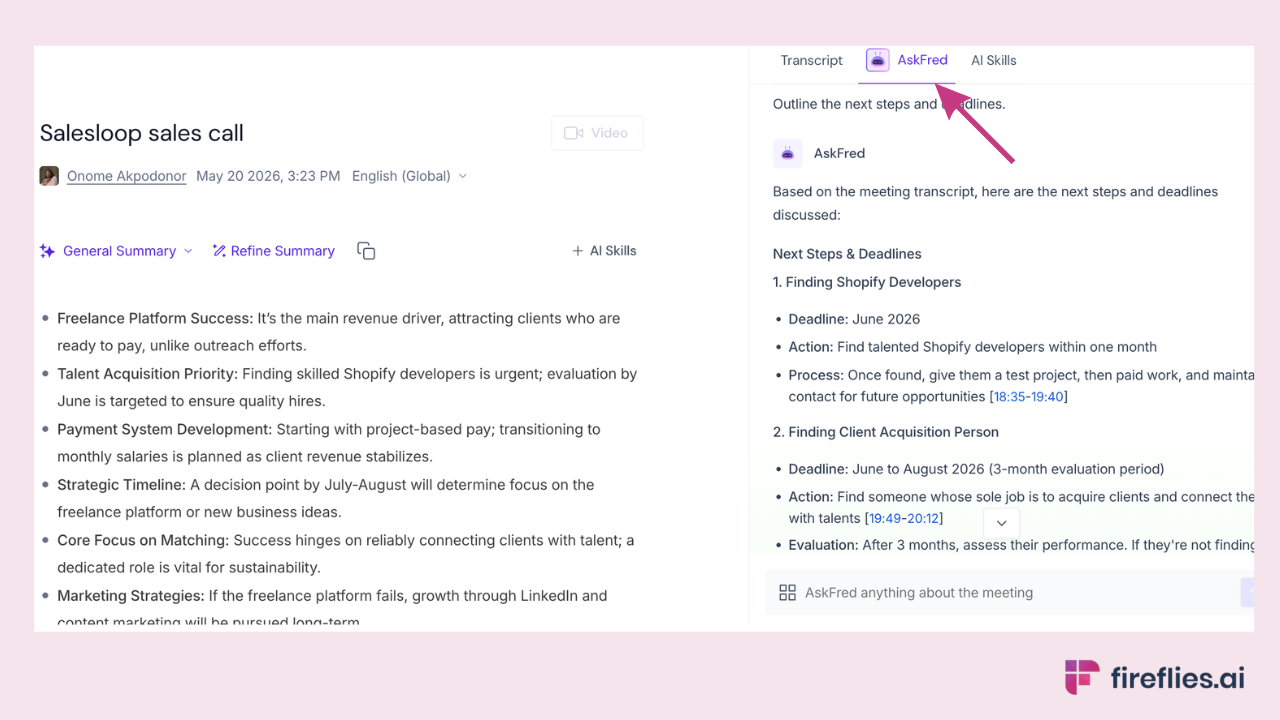
AskFred lets you query any transcript naturally ("What objections came up?" or "List all action items for the marketing team").
AI Skills (200+ pre-built automations) can extract deal details, generate follow-up emails, or create role-specific recaps automatically after every meeting. AI note takers for sales teams benefit particularly from the CRM automation and deal intelligence features.
Fireflies also offers a Chrome Extension for bot-free recording from your browser and a Desktop App for capturing system audio without any visible bot.
What the output looks like after a 28-minute call:
Already have a meeting recording? Upload it to Fireflies and get a full transcript, summary, and action items in minutes. Free plan, no credit card needed.
2. tl;dv
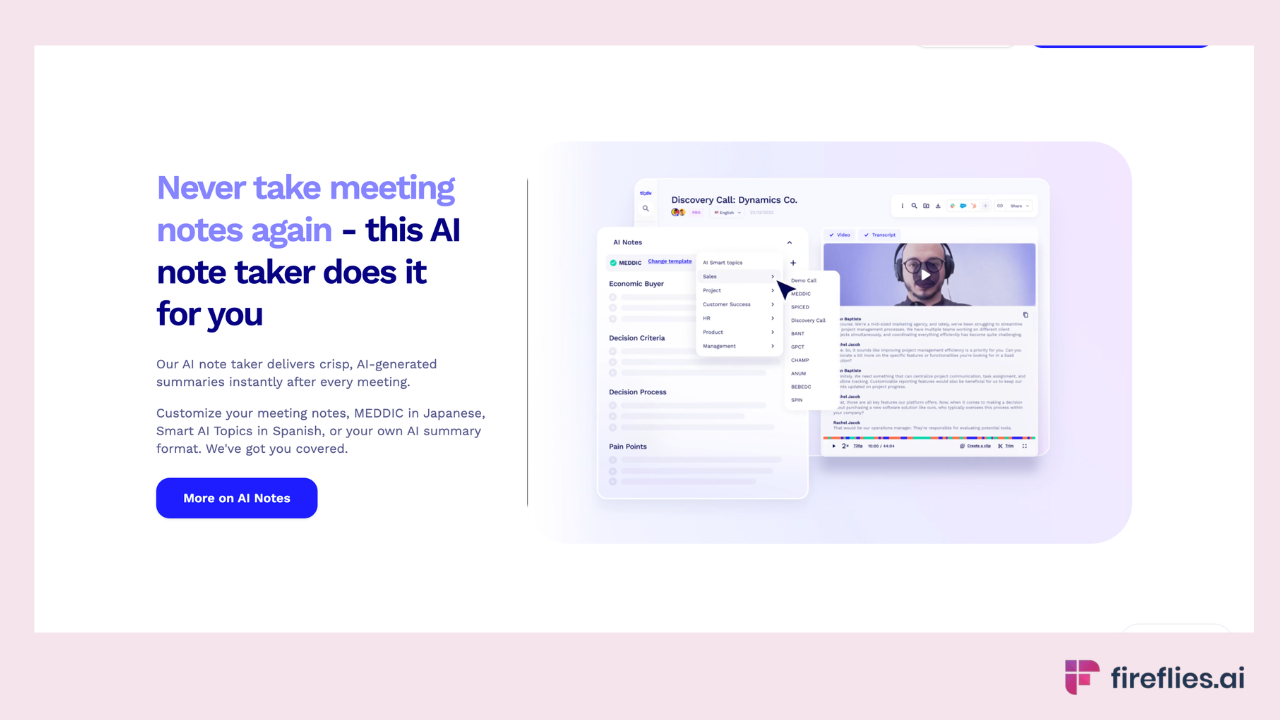
tl;dv offers unlimited free recordings across Zoom, Google Meet, and Teams, making it a good entry point for remote teams on a budget. It produces transcripts, summaries, and shareable video highlight clips. Useful for product teams that want to share key moments from user research calls without sending a full recording. Less depth on integrations and automation compared to Fireflies.
3. Otter.ai
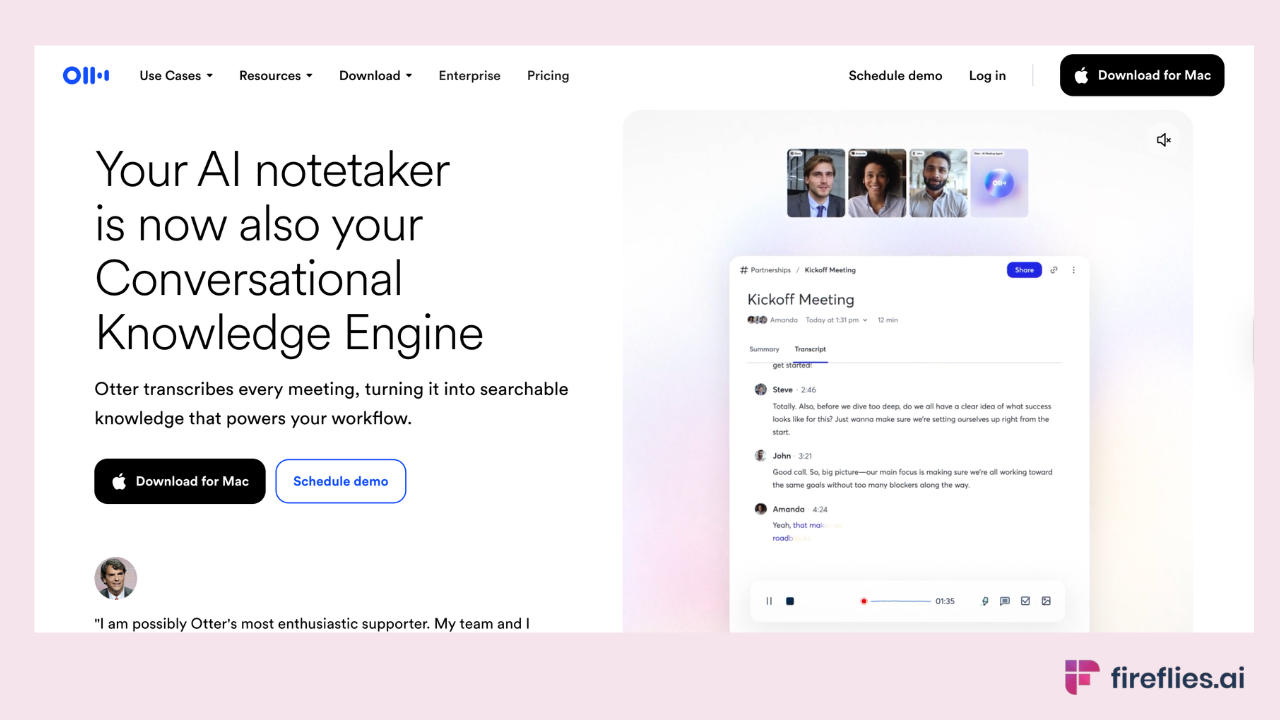
Otter is strongest for in-person recording via its mobile app, which makes it practical for face-to-face interviews, classroom lectures, and on-the-go capture. Language support is primarily English with limited additional languages. The free plan includes 300 monthly transcription minutes. It's a solid single-purpose transcription tool but doesn't match Fireflies on cross-platform coverage, language support, or workflow integrations.
4. Notta
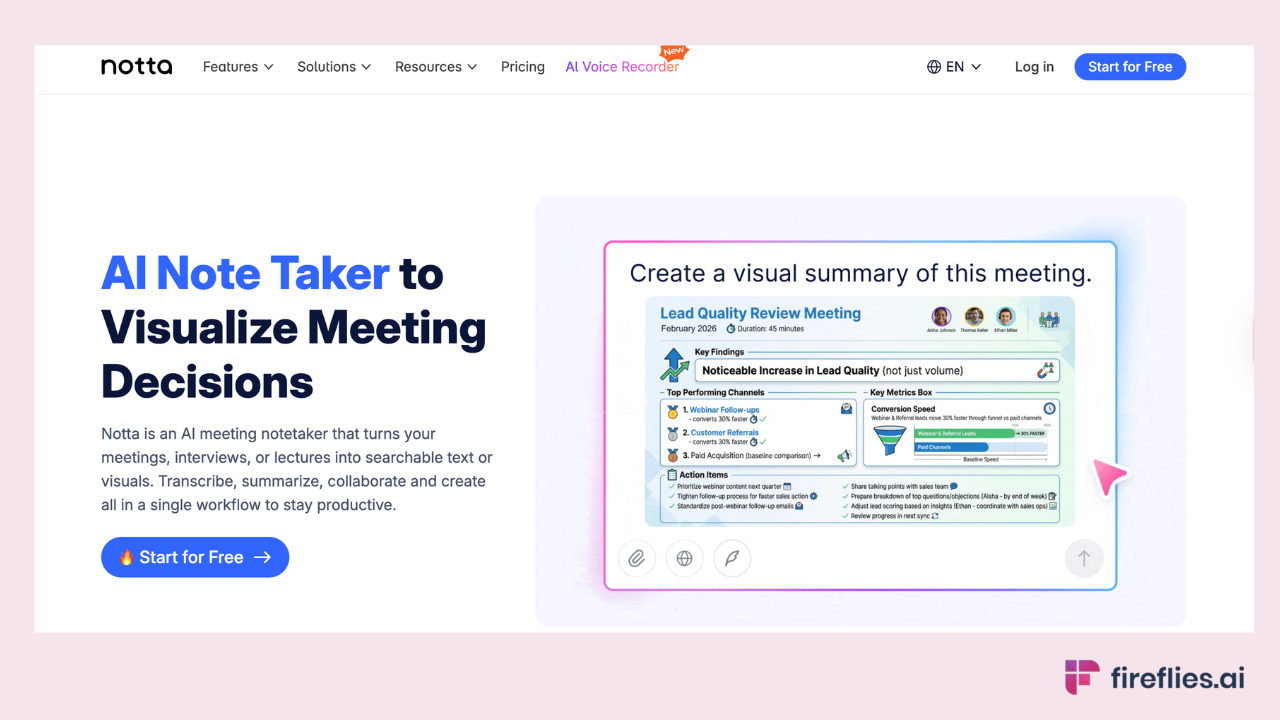
Notta covers both live meetings and file uploads with transcription in 58+ languages and built-in translation. It includes a scheduling tool that connects meeting booking directly to transcription.
A solid generalist option for multilingual teams, though it doesn't match Fireflies on integration depth (100+ tools vs. Notta's more limited set) or AI Skills automation.
Best AI Note Takers for YouTube Videos and Lectures
If you need an AI note taker for Youtube videos, online courses, lecture recordings, or any video available via URL, different tools are built for that workflow.
These tools accept a YouTube link or file upload and return structured notes.
1. NoteGPT
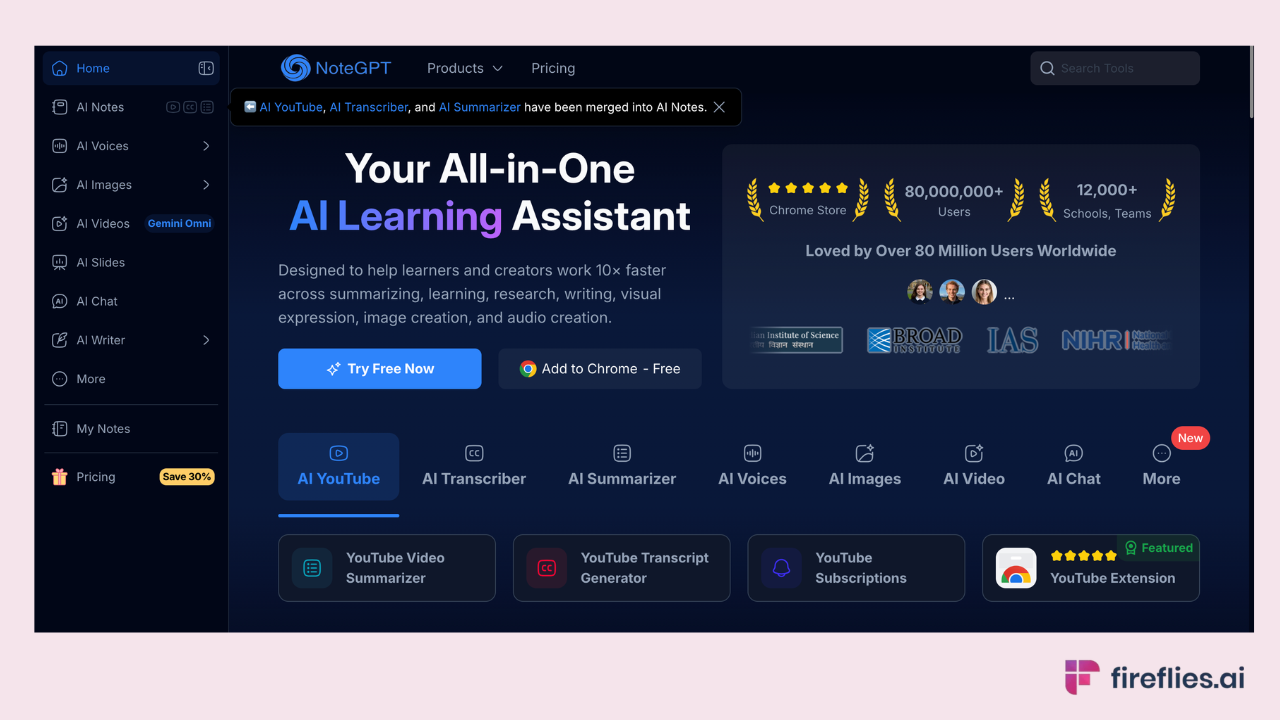
NoteGPT handles YouTube videos, PDFs, web pages, and presentations in a single workspace, which makes it practical for researchers and students juggling multiple content types.
Paste a YouTube URL or upload a file, and NoteGPT returns a structured summary with key points, AI Q&A, and optional mind maps. Batch processing lets you submit multiple videos at once instead of feeding them in one at a time.
No free plan available currently. Paid plans give unlimited quotas for transcription and so much more. As an ai note taker for lectures and academic content, it's best for research and content review, not business meeting workflows.
2. Eightify
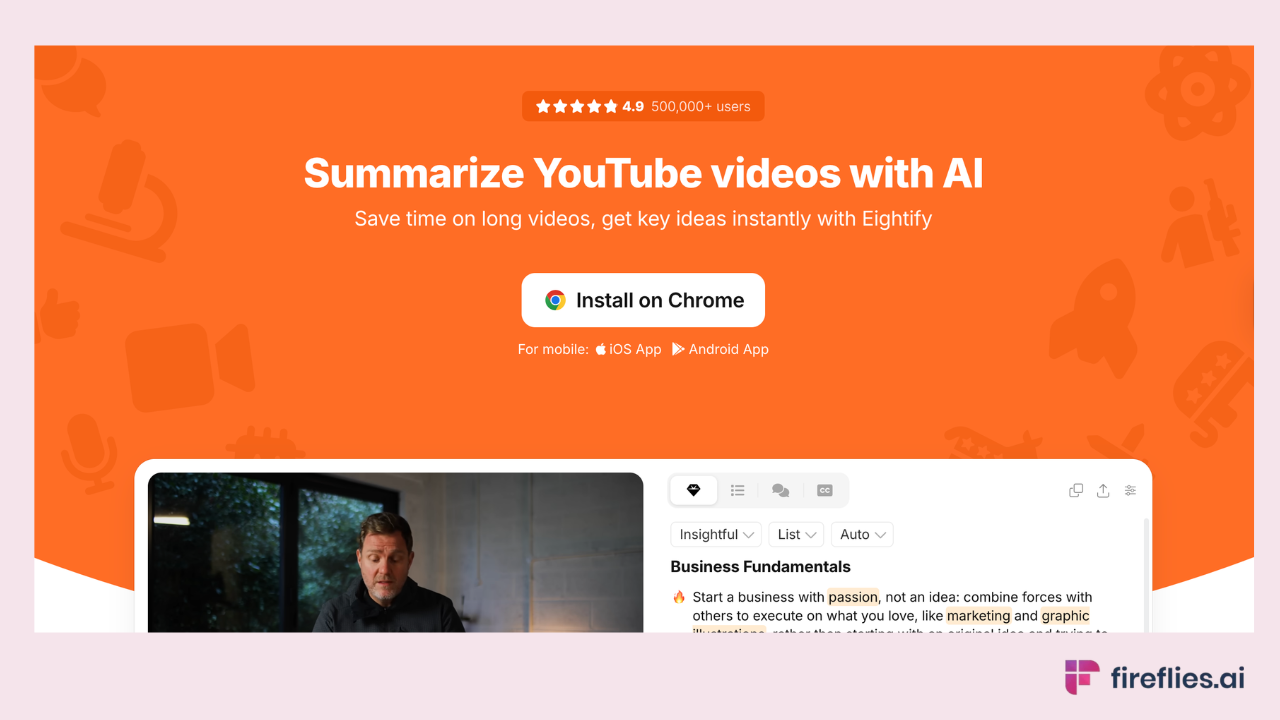
Eightify is a Chrome extension built for speed.
Open a YouTube video, click summarize, and get key points in seconds. It's designed to help you decide whether a video is worth watching, not to produce deep notes or action items.
Useful for trend tracking, content curation, and quickly screening long tutorials. It only works on YouTube and has no meeting, upload, or integration capabilities. Think of it as a screening tool, not a full ai note taker for videos.
3. ScreenApp
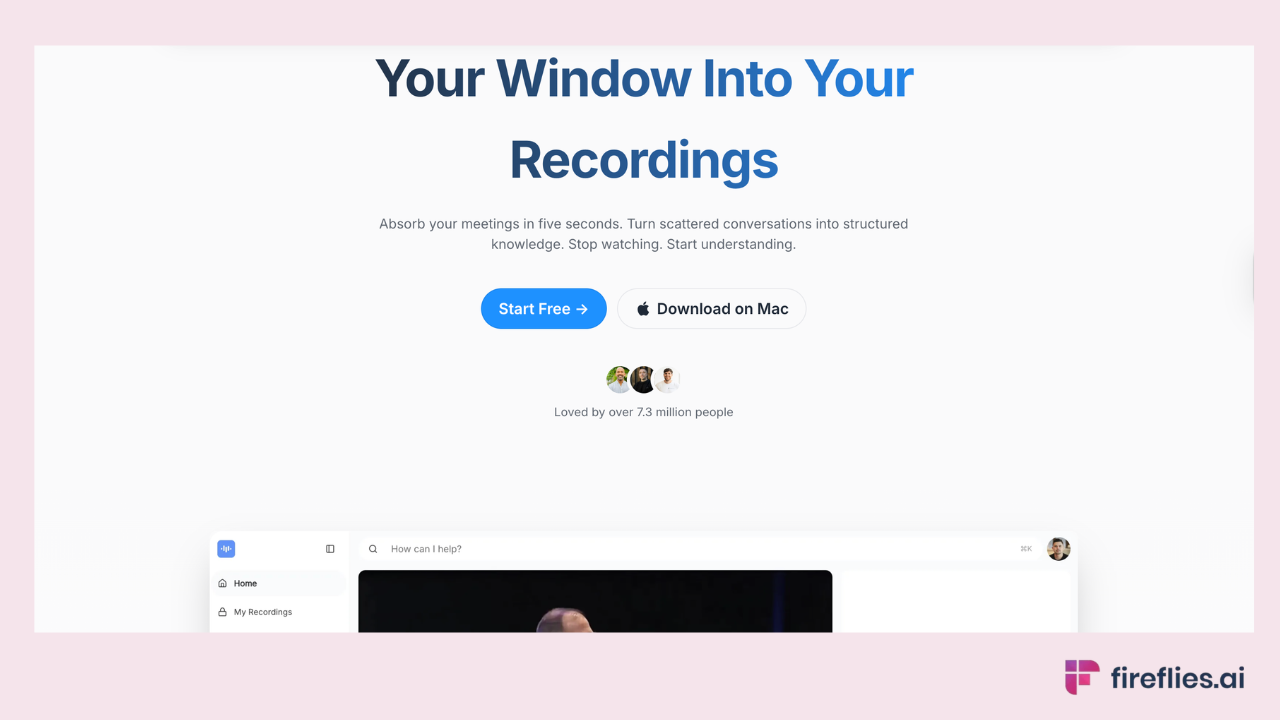
ScreenApp combines screen recording with AI transcription and timestamped notes. The free plan includes a few watermark-free recordings with AI notes.
It handles uploaded files in common formats (MP4, MOV, MKV) and breaks long recordings into sections for easier scanning.
Best for training videos, how-to walkthroughs, and internal documentation. Less suited for live meeting capture or enterprise workflows. Higher tiers add templates, meeting bots, and API access.
4. Fireflies (via file upload)
The Fireflies AI video upload feature also handles YouTube-extracted or lecture videos.
If you download a lecture recording or export a local video file, Fireflies processes it the same way it handles a meeting recording: full transcript, AI summary, action items, and searchable notes.
The advantage over student-focused tools is the integration layer and business-grade summary format. If you're already using Fireflies for meetings, you don't need a separate tool for educational videos.
How Do I Get AI Notes from a Recorded Meeting Video?
This step-by-step shows how to get ai notes from video files, whether they're recorded meetings, lectures, or any other video content
- Export or download your video recording from Zoom, Google Meet, Microsoft Teams, or your local device.
- Log into your Fireflies account (free to create at fireflies.ai).
- Click Uploads on the left navigation bar.
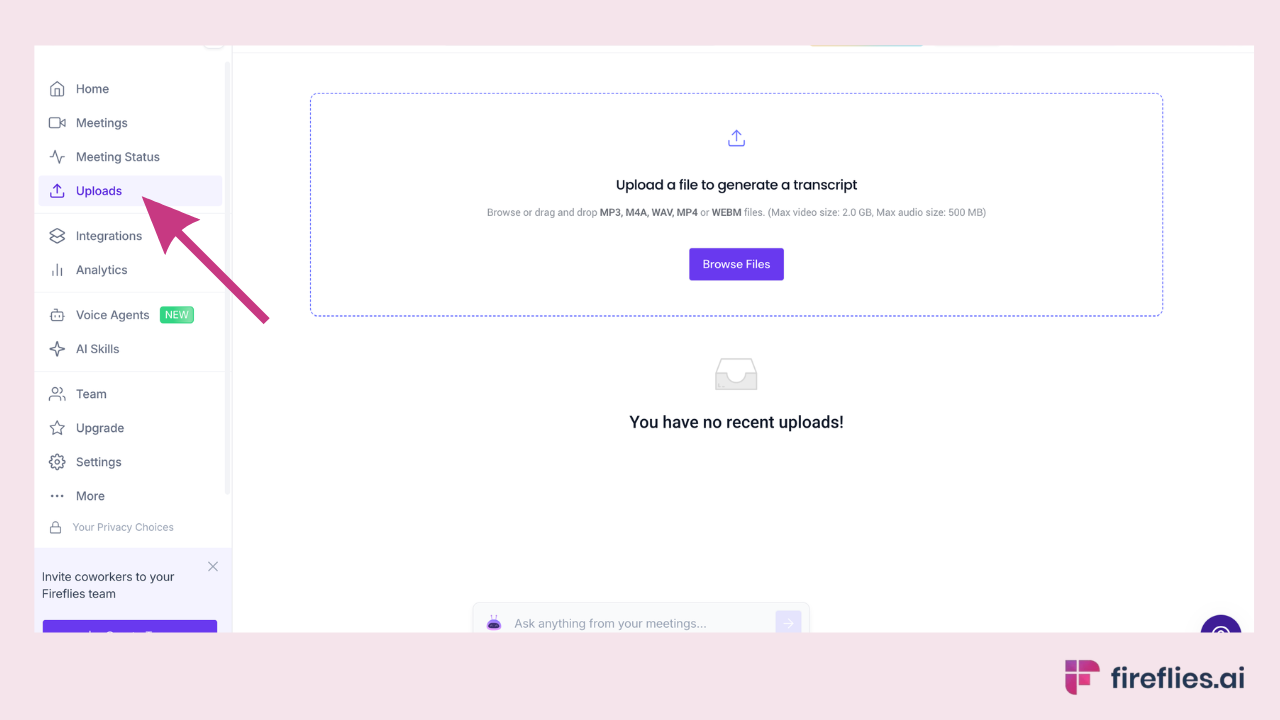
- Select your video file. Fireflies supports MP4, MP3, M4A, WAV, and other common formats.
- Wait a few minutes for processing. Fireflies transcribes the audio and identifies speakers automatically.
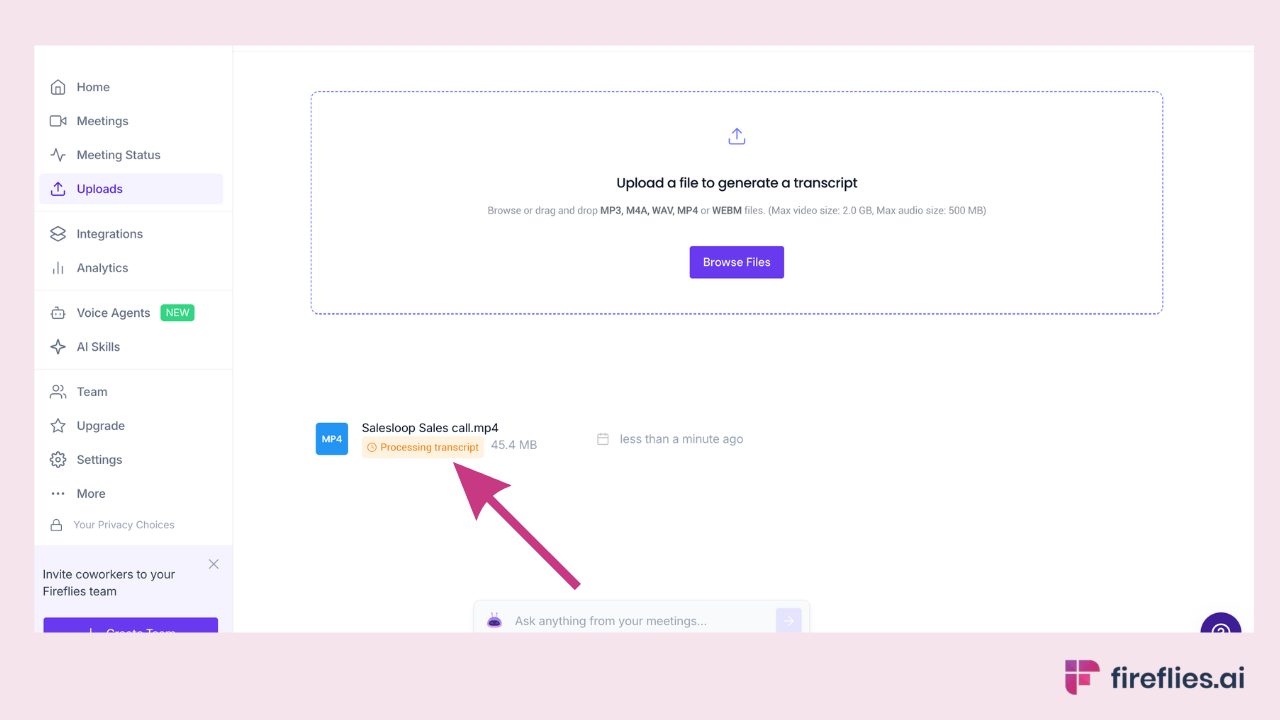
- Review the AI-generated meeting summary, action items, and searchable transcript in your Fireflies dashboard.
- Share the summary to Slack, export to Notion, or sync action items to your CRM directly from the dashboard.
What the output looks like:
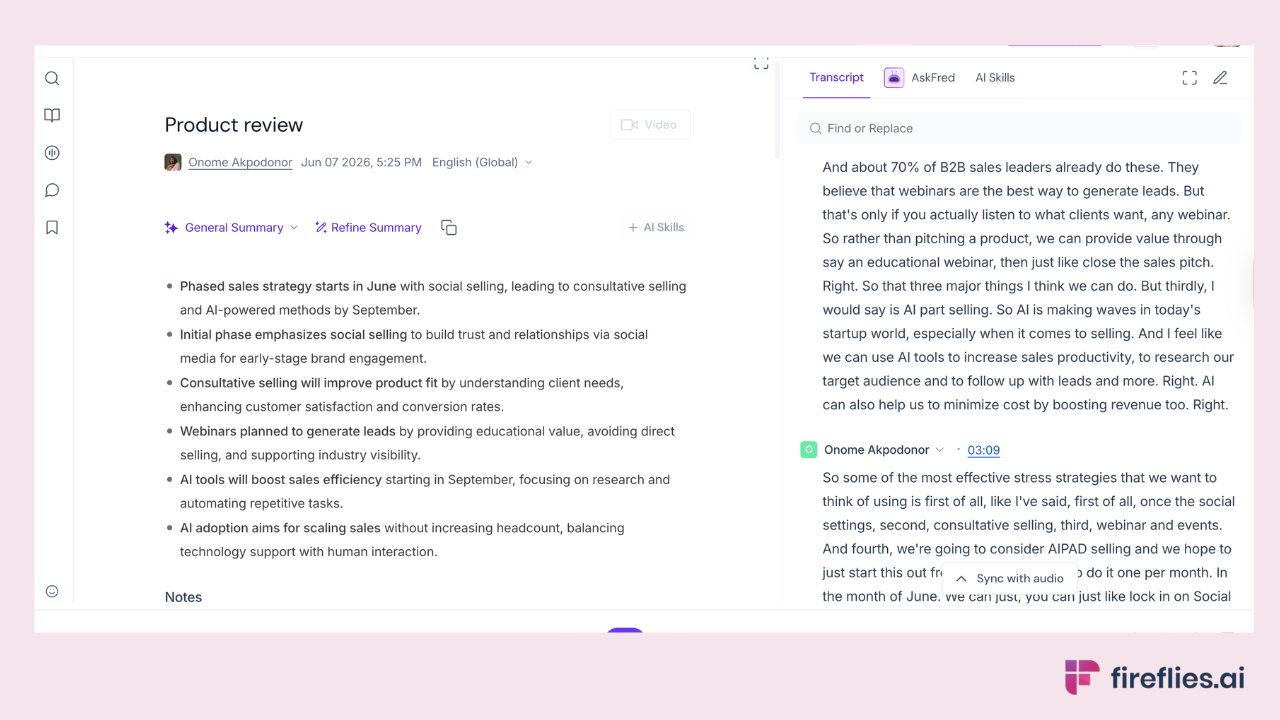
The upload flow is available on Fireflies' free plan. Processing time depends on file length, but most recordings under 60 minutes are ready within five minutes.
See the full Fireflies + upload flow in action.
AI Video Note Taker Comparison: Which Tool Is Right for You?
The verdict: For business teams handling meeting recordings and live calls, Fireflies is the strongest option among meeting transcription tools across accuracy, integrations, language support, and free plan depth. tl;dv is a good free alternative for teams with simpler needs. Otter works well for in-person capture via mobile.
For YouTube and lecture content, NoteGPT offers the most depth for researchers, while Eightify is the fastest way to screen whether a video is worth your time. ScreenApp fills the niche of watermark-free screen recording with AI notes.
A note on bot-free recording: if having a visible bot in the meeting participant list is a concern for your team, Fireflies offers a Chrome Extension and Desktop App that capture audio without a bot joining. Eightify, NoteGPT, and ScreenApp are inherently bot-free since they work through browser extensions or file uploads. This is a growing consideration for enterprise teams with strict recording policies.
Fireflies joins your calls, transcribes your recordings, and delivers a structured summary with action items before you close the tab. Unlimited transcription on the free plan. No meeting bot required for uploads.
FAQs
What is an AI note taker for videos?
An AI note taker for videos is a tool that processes video content, transcribes the audio, and produces structured notes, summaries, or action items automatically. Unlike a raw transcription tool that only converts speech to text, an AI note taker organizes the content into topics, decisions, and next steps. Some tools work on live meetings, others on uploaded files or YouTube URLs.
Can AI take notes from a YouTube video?
Yes. Tools like NoteGPT and Eightify accept a YouTube URL and return structured summaries and key points. NoteGPT also supports batch processing for multiple videos. Fireflies can process YouTube content via file upload if you download the video first. For quick screening, Eightify is fastest. For deeper analysis with Q&A and mind maps, NoteGPT offers more depth.
What is the best free AI video note taker?
If you're looking for an ai notetaker free of charge, Fireflies offers the most complete free plan for meeting recordings, with unlimited transcription, 400 minutes of storage, and support for 100+ languages. Several other tools also offer free plans worth considering.
Free options by use case:
- Fireflies: Unlimited transcription + 400 min storage, AI summary and action items, works across Zoom, Meet, and Teams
- tl;dv: Unlimited free recordings across Zoom, Meet, and Teams, with video highlight clips
- ScreenApp: 3 free recordings per month, watermark-free, with AI notes included
- Otter.ai: 300 free minutes per month, English-focused, strong mobile app
For meeting recordings specifically, Fireflies' free plan offers the most functionality. For YouTube content, NoteGPT's free tier is the strongest starting point.
How accurate are AI video note takers?
Accuracy varies by tool and audio quality. Fireflies reports 99% accuracy for English and 95% for other languages. Clear audio with minimal background noise and crosstalk produces the best results across all tools. Names, technical jargon, and heavy accents remain challenging for most AI transcription. For high-stakes content requiring near-perfect accuracy, human-reviewed transcription services remain the safest option.
As a general benchmark, most modern AI transcription tools perform well in quiet environments with clear speakers. Accuracy drops noticeably with multiple overlapping speakers, heavy accents, or poor microphone quality. Using a headset instead of a laptop mic and muting when not speaking significantly improves results across every tool on this list.
Do AI video note takers work without a meeting bot?
Yes. Several tools offer bot-free recording. Fireflies has a Chrome Extension and Desktop App that capture audio without a visible bot joining the call. Eightify and NoteGPT work entirely through browser extensions and URL paste. ScreenApp records via browser with no bot. The tradeoff: bot-free methods sometimes capture audio only (no video recording) and may have lighter speaker identification compared to bot-based capture.
For meeting recordings that you upload after the fact, no bot is involved at all. Fireflies processes uploaded files the same way it processes live meetings, delivering the full transcript, summary, and action items. This makes the upload flow the simplest bot-free option for anyone who already has a recording.
Can Fireflies transcribe a video recording I upload?
Yes. Download your recording from Zoom, Teams, Google Meet, or any local source, then upload it to Fireflies. It processes the file and delivers a full transcript with speaker labels, an AI summary with topics and decisions, and extracted action items. The upload flow is available on the free plan. Supported formats include MP4, MP3, M4A, and WAV.
What is the difference between an AI video summarizer and an AI note taker?
An AI video summarizer (like Eightify) produces a condensed overview of a video's main points, designed for quick screening.
An AI note taker goes further: it produces structured notes with speaker identification, topic organization, action items, and integration with business tools like CRMs and project management platforms. Summarizers answer "what is this video about?" Note takers answer "what do I need to do about it?"
Conclusion
Two use cases, two different tool categories. If you're handling meeting recordings or live calls, Fireflies is the strongest ai notetaker across accuracy, integrations, and free plan depth.
It works on Zoom, Google Meet, Microsoft Teams, and uploaded files, with 100+ language support and 100+ integrations that push notes into your existing workflow. The upload flow means you don't need a bot to get full AI notes from any video file.
If you primarily want notes from YouTube videos or lecture content and don't need business workflow integrations, NoteGPT offers the most depth for research and study. Eightify is the fastest option for screening whether a video is worth watching.
For most professionals and teams, Fireflies is the most complete video notes app, covering both meeting recordings and uploaded videos in one tool. For a broader comparison across use cases, see our full guide to AI note taking apps.