
AI meeting recording software has moved beyond simple screen capture.
The best tools in 2026 auto-join calls, transcribe with speaker identification, generate searchable archives, and share time-stamped clips of the moments that matter.
But the right AI meeting recorder depends on what you're recording for.
This article compares the best meeting recording software across 9 tools, by use case.
Find your situation in the selection table below, then read the detailed breakdown on each tool.
AI Meeting Recorder vs. AI Notetaker: Which Do You Actually Need?
These terms overlap, but the buying intent is different.
Notetaker-first: You want summaries, Action Items, and follow-up automation. The recording is incidental. You care about what the AI extracts from the meeting, not about the recording itself.
Recorder-first: You want to capture meetings for review, coaching, training, compliance, or personal recall. The AI meeting recording itself is the deliverable. You care about recording quality, storage, sharing, retention, and consent handling.
Most tools do both. But which capability matters more determines which tool is right for you. This article handles the recorder-first lane: capturing, storing, sharing, and searching across recorded meetings.
What to Look For in an AI Meeting Recorder
A meeting recorder AI tool serves different needs than a notetaker. Here are the criteria that matter:
Platform coverage. Does it record Zoom, Google Meet, Microsoft Teams, and Webex? What about in-person meetings via mobile or desktop capture? If your team uses multiple platforms, you need an AI recorder for online meetings that works across all of them.
Recording quality. Audio clarity, speaker separation, and video quality (where relevant) vary significantly across tools. For sales coaching and training capture, poor audio quality undermines the entire purpose of recording.
Storage and retention. Where do recordings live? How long do they persist? Who can access them? For compliance-heavy work, data residency and retention policies are non-negotiable buying criteria.
Sharing features. Can you share time-stamped clips without sending the full recording? Soundbites, highlight reels, and secure links matter for sales coaching (sharing the exact moment a prospect raised an objection) and training (highlighting how a senior rep handled a discovery question).
Consent handling. Does the recorder join as a visible, named bot? Does it play a consent notice? In two-party-consent jurisdictions (California, Florida, Illinois, Pennsylvania, Washington) and under GDPR, explicit consent from all participants is required. How the tool handles this is a legal question, not a preference.
Compliance certifications. SOC 2 Type II is the baseline for enterprise work. HIPAA for healthcare. FERPA for education. GDPR for European clients. If your recorder can't demonstrate these, procurement will reject it.
Search across recorded meetings. Six months from now, can you find "the moment the customer said they were unhappy with onboarding"? An AI meeting recorder with transcription and searchable archives turns recordings from files into a knowledge base.
Pricing and storage tiers. Recording storage costs scale fast. Understand the per-user or per-hour economics before the invoice surprises you at month three.
Quick Comparison: Which AI Meeting Recorder Fits Your Use Case
Cross-Platform Capture: Where Each Recorder Works
The 9 Best AI Meeting Recorders in 2026
1. Fireflies
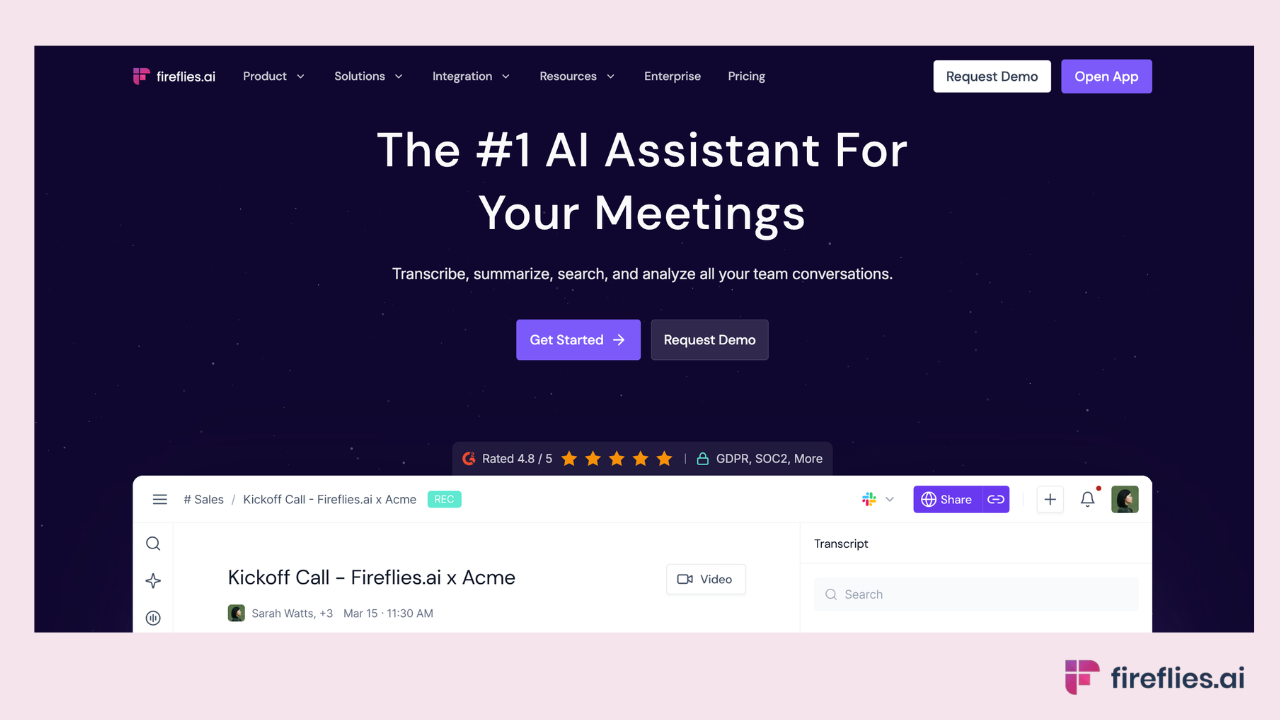
Best for: Cross-platform recording across mixed-stack teams, with compliance breadth for regulated work.
Fireflies is the #1 AI Assistant for meetings, email, Slack, CRM, and work.
For recording specifically, it covers the widest capture surface of any tool on this list: Meeting Bot for Zoom, Google Meet, Microsoft Teams, and Webex; Desktop App (launched November 2025) for in-person and system audio capture; Mobile App for on-the-go recording; Chrome Extension for browser-based capture (making it the strongest AI meeting recorder for Chrome); and file upload for existing recordings.
Soundbites let you share time-stamped clips from any recording as standalone links. A sales manager can share the exact 45-second moment a prospect raised a pricing objection, not a 45-minute recording. A training lead can highlight how a senior rep handled a difficult discovery question.
AskFred searches across the full recorded archive using natural language. "Find the moment where the customer said they were unhappy with onboarding" returns the specific timestamp across months of meetings. Deal Intelligence adds sales-coaching features: deal signals, coaching metrics, and pipeline insights extracted from recorded calls.
Where it falls short: Not as deep as Gong on enterprise-level deal scoring and pipeline analytics. For sales orgs spending $100K+ on conversation intelligence with custom deal models, Gong's specialization runs deeper.
Compliance: SOC 2 Type II, HIPAA (Enterprise plan), FERPA (Enterprise + DSA), GDPR. Private storage available. Fireflies.ai does not use customer data to train any AI models. Your personal data is never used to train AI models. Users own their data. We impose a zero-data retention policy for meeting content with our AI vendors. See the full security overview.
Pricing: Free plan includes unlimited transcription, unlimited AI summaries, and 400 minutes of meeting storage per team. Paid plans start at $10/user/month. Video recording is available on Pro plans and above.
Best recorder fit: Teams that record across multiple platforms (Zoom + Meet + Teams + in-person) and need compliance breadth, searchable archives, and shareable clips. Trusted by 20M+ users, 1M+ organizations, and 75% of the Fortune 500, with 5B+ meeting minutes processed.
2. Otter.ai
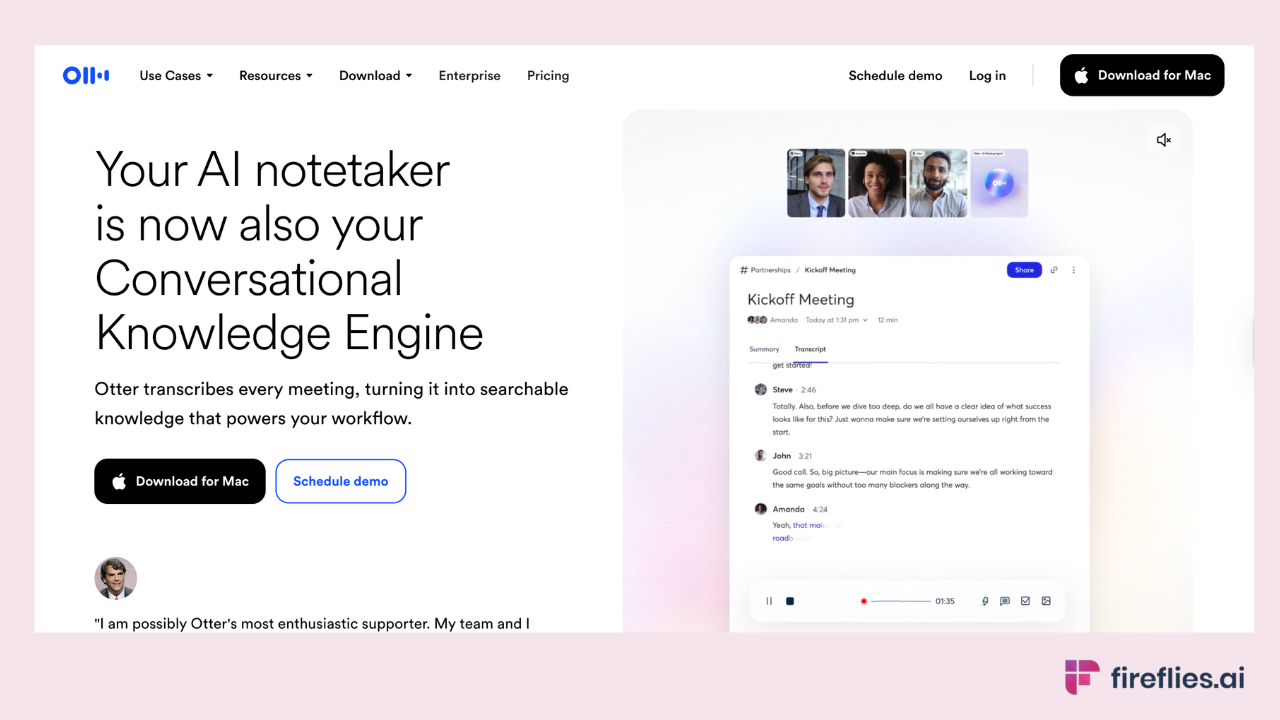
Best for: Live transcription with collaboration features, especially in-person recording via mobile.
Otter's mobile app is strong for recording in-person meetings from your phone. OtterPilot joins calls with real-time captions and light collaboration features. The free plan includes 300 monthly minutes. Language support covers 6 languages.
Where it falls short: Compliance posture is lighter than Fireflies for regulated recording work. No multi-workspace separation. CRM integrations limited to higher tiers. Language coverage is 6 languages, which is narrow compared to 100+ language tools.
Compliance: SOC 2 Type II. HIPAA on Enterprise tier. GDPR compliant.
Pricing: Free (300 min/month). Pro at $16.99/user/month.
Best recorder fit: Small teams that do significant in-person recording and primarily work in English.
3. Fathom
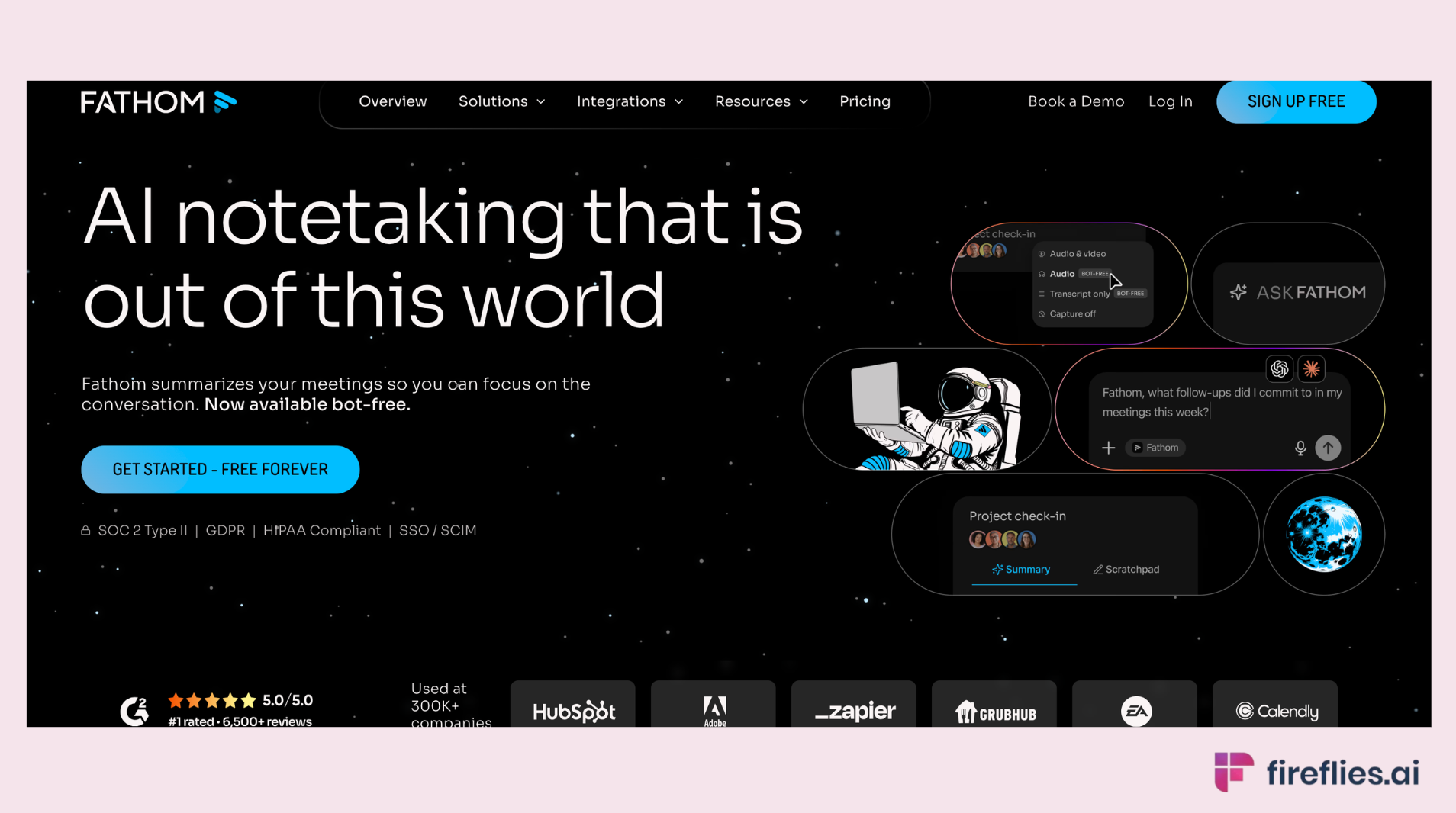
Best for: The best free AI meeting recorder for solo users and small teams.
Fathom offers a genuinely useful free tier with unlimited recording across Zoom, Google Meet, and Microsoft Teams.
Where it falls short: Limited sharing features compared to Fireflies' Soundbites. No CRM autofill. No Deal Intelligence. No in-person recording via mobile or desktop.
Compliance: SOC 2 Type II, GDPR and HIPAA certified.
Pricing: Free tier with generous limits. Paid plans available for $19/month/user for teams.
Best recorder fit: Solo users and small teams who want reliable, free meeting recording across the three major platforms.
4. Gong
Best for: Enterprise sales coaching with deal scoring and pipeline analytics.
Gong is not a general-purpose meeting recorder. It's a conversation intelligence platform (their category term) built for revenue teams. It captures calls across Zoom, Meet, Teams, Webex, and telephony integrations (Aircall, RingCentral, Dialpad), making it a powerful AI call recorder for enterprise sales.
The value is in deal risk scoring, talk-to-listen ratio analytics, competitive mention tracking, and coaching workflows.
Where it falls short: Priced for enterprise sales organizations. Overkill for general meeting recording or smaller teams. Requires dedicated admin to configure.
Compliance: Enterprise-grade security suite. SOC 2 Type II, GDPR, HIPAA available.
Pricing: Custom enterprise pricing. Typically $1,200-$1,600/user/year plus base platform fees.
Best recorder fit: Revenue teams at enterprise scale that need deal scoring, coaching analytics, and pipeline intelligence from recorded sales calls.
5. Chorus (now part of ZoomInfo)
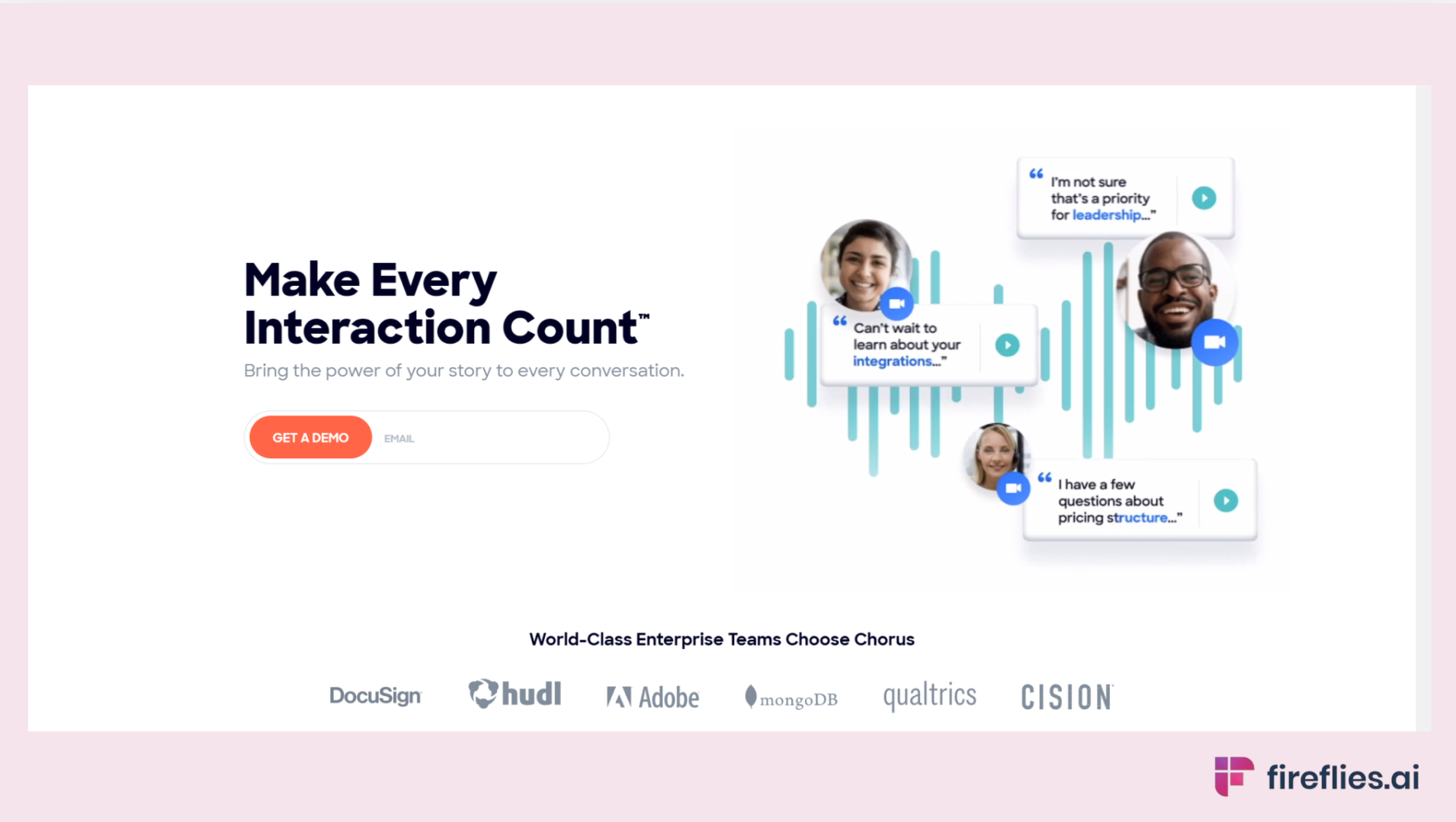
Best for: Sales coaching teams already in the ZoomInfo ecosystem.
Chorus operates in the same conversation intelligence category as Gong. Since its acquisition by ZoomInfo, it's tightly integrated with ZoomInfo's contact and company data, adding prospecting context to recorded calls. Captures across Zoom, Meet, Teams, Webex, and telephony platforms.
Where it falls short: Tightly coupled to ZoomInfo. Less useful outside that ecosystem. Enterprise pricing similar to Gong.
Compliance: Enterprise compliance suite via ZoomInfo. SOC 2 Type II, GDPR.
Pricing: Custom (bundled with ZoomInfo licensing).
Best recorder fit: Sales teams already paying for ZoomInfo who want conversation intelligence integrated with prospecting data.
6. Loom AI
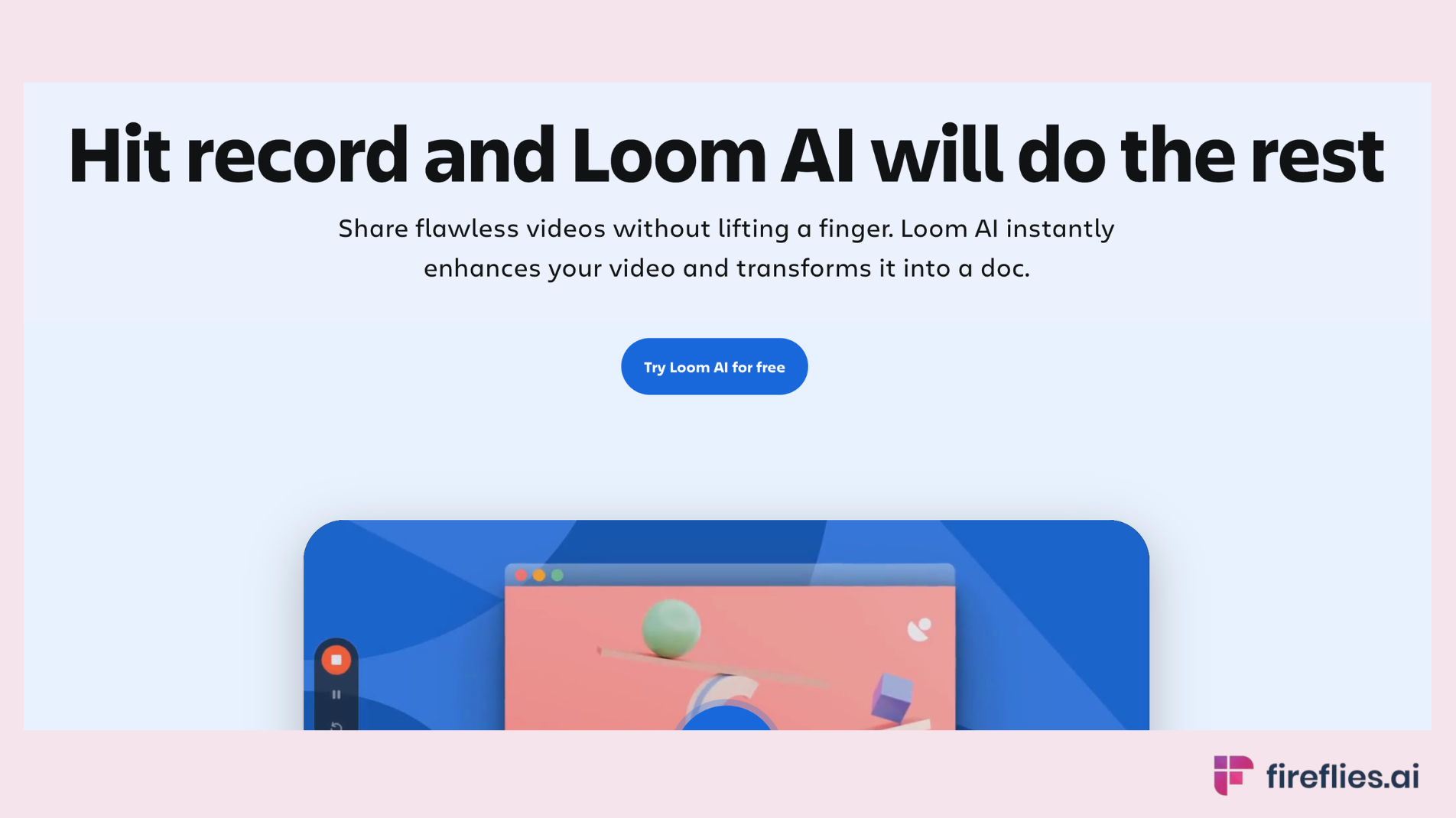
Best for: Asynchronous video capture, not live meetings.
Loom is purpose-built for recording yourself (screen + camera) and sharing asynchronously. Loom AI adds automatic summaries, chapters, and task extraction.
Where it falls short: Not built for live meeting recording. No bot that joins calls. No multi-speaker transcription.
Compliance: SOC 2 Type II, GDPR.
Pricing: Free plan available. Business plans start at $18/user/month
Best recorder fit: Teams replacing recurring update meetings with async video, or L&D teams building training libraries. Pairs well with Fireflies: Fireflies records live meetings, Loom handles async communication.
7. Riverside
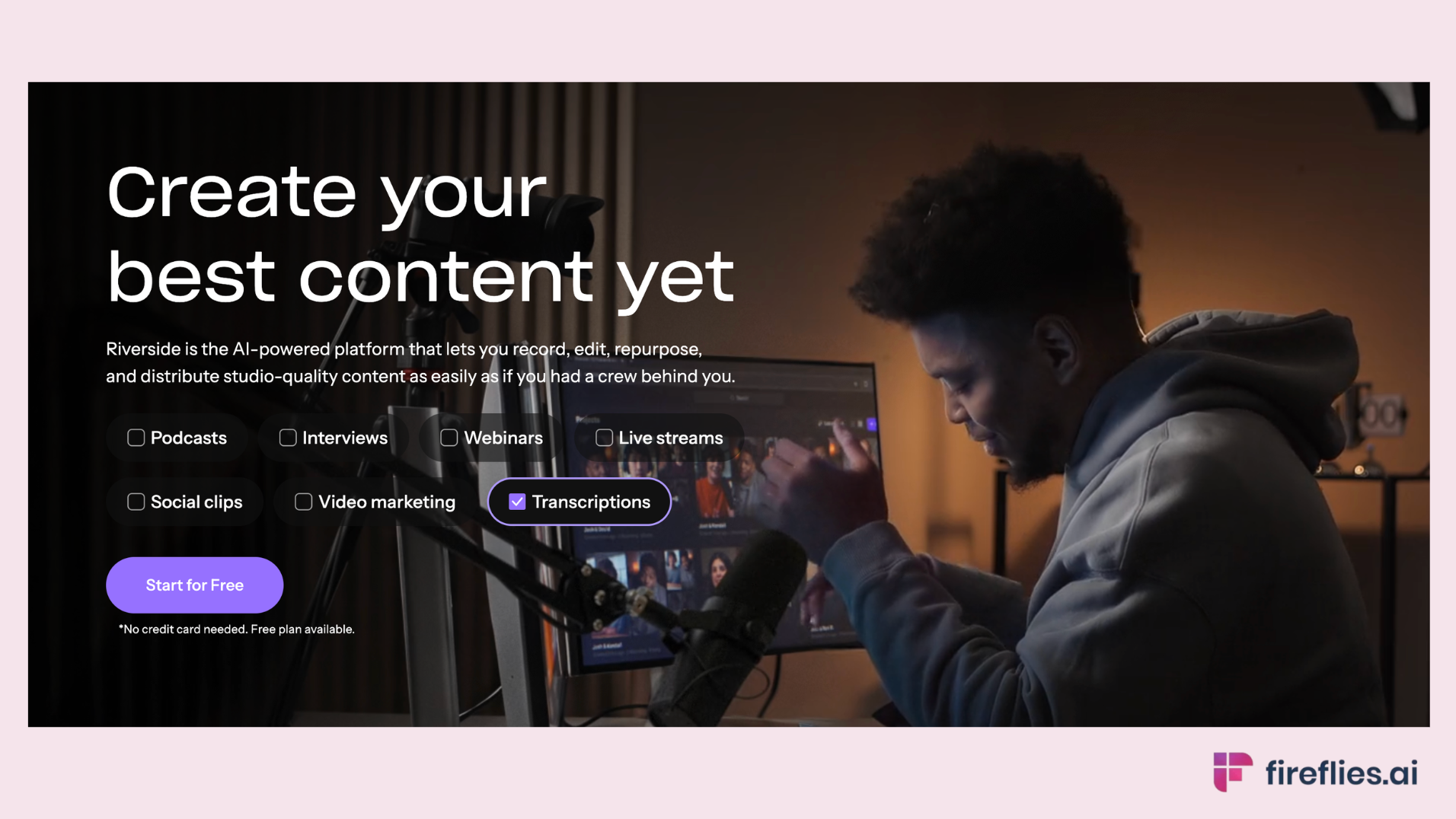
Best for: High-quality, interview-grade recording (podcasts, external interviews, production content).
Riverside records audio and video locally on each participant's device, then uploads. Local recording produces studio-quality audio unaffected by connectivity, with separate speaker tracks.
Where it falls short: Purpose-built for podcasts and high-production interviews, not general business meetings. No auto-join via calendar. No CRM integration. No Action Item extraction.
Compliance: SOC 2 Type II Compliant, GDPR Compliant
Pricing: Free plan available with limited recording. Paid plans from $14/month
Best recorder fit: Podcasters, media teams, and anyone producing interview-grade content. Not practical for day-to-day meeting recording.
8. Zoom AI Companion
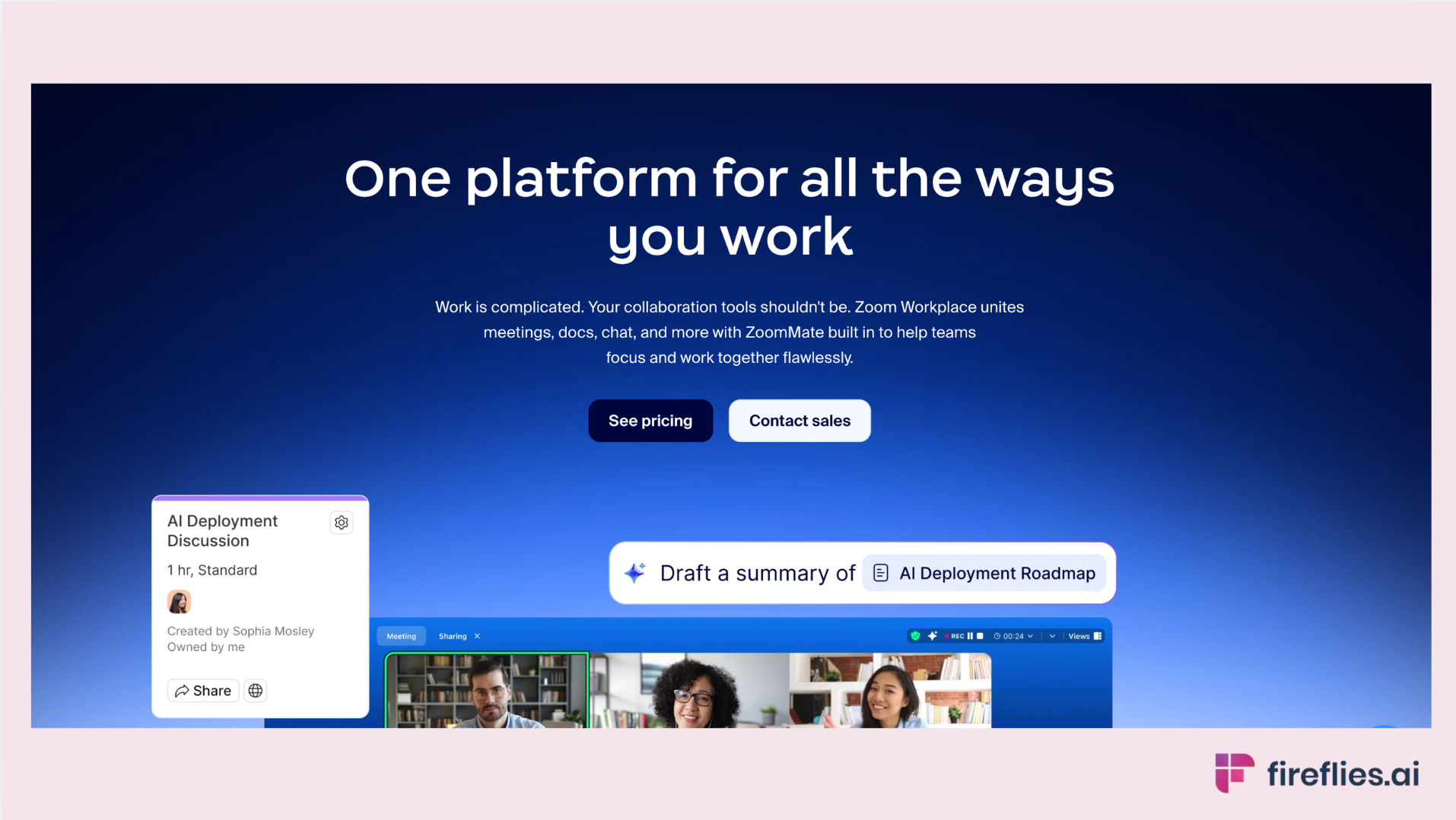
Best for: Zoom-mandated organizations already on paid Zoom Workplace plans. The native zoom meeting recorder AI option.
AI Companion handles recording, transcription, and meeting summaries natively inside Zoom.
Where it falls short: Requires a paid Zoom Workplace plan (Pro at $14.16/user/month and above). Limited cross-platform support. No CRM or Slack integrations. Meeting summary supports 33 languages; smart recording supports 17.
Compliance: Enterprise-grade Zoom security. SOC 2, GDPR.
Pricing: Included with paid Zoom Workplace plans. Custom AI Companion add-on at $12/user/month for advanced features.
Best recorder fit: Organizations standardized on Zoom that need recording without adding another tool.
9. Microsoft Copilot
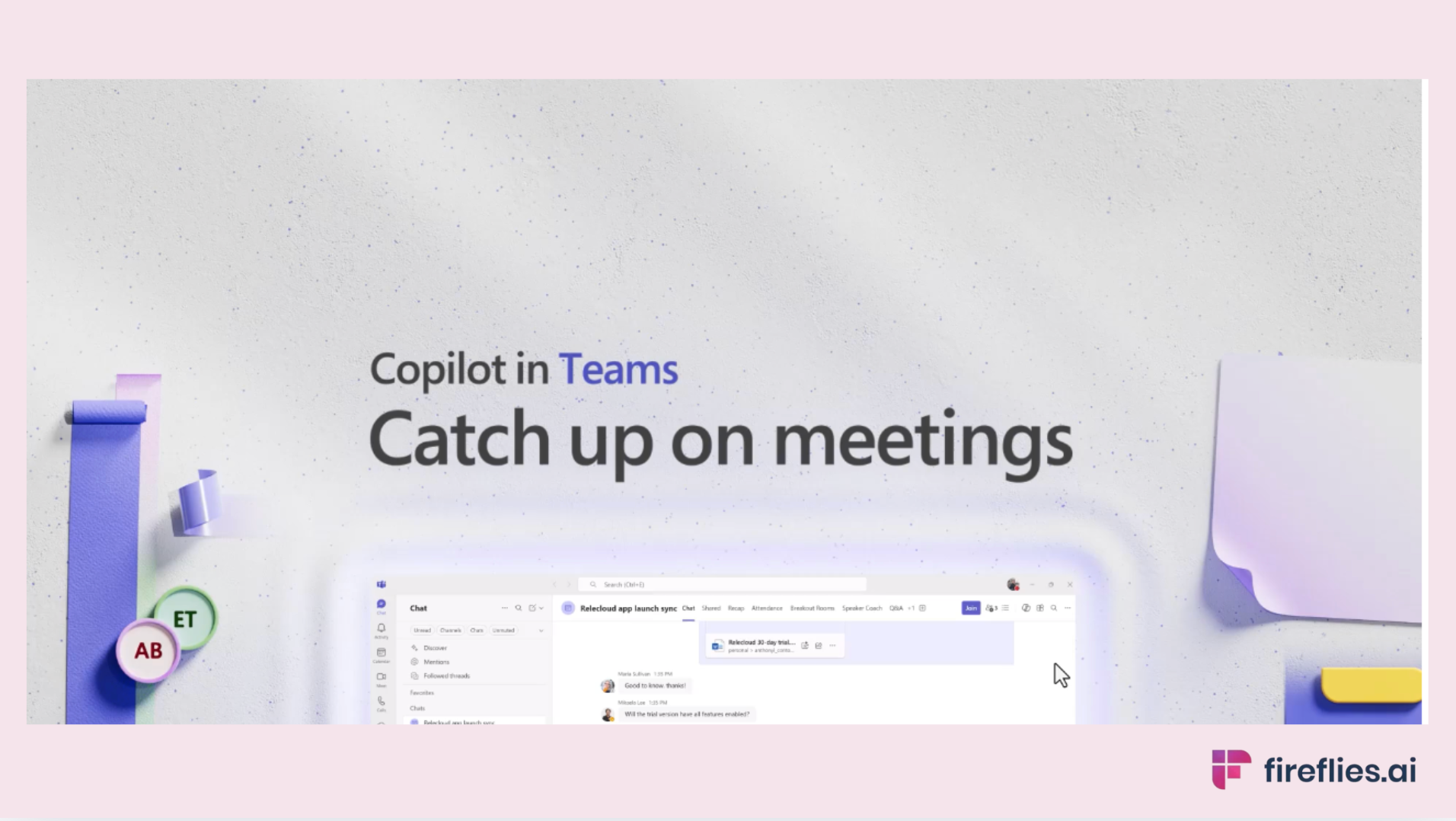
Best for: Microsoft-mandated organizations running M365 and Teams. The default microsoft teams meeting recorder for enterprise environments.
Copilot for Meetings handles recording, transcription, and Intelligent Recap natively inside Microsoft Teams. For deeper coverage, see our guide to AI notetakers for Microsoft Teams.
Where it falls short: Requires either Teams Premium ($10/user/month) or Microsoft 365 Copilot ($30/user/month), on top of existing M365 subscription. Advanced features like custom summary templates and video recap require the full Copilot license. Microsoft Teams only. No cross-platform support.
Compliance: Full Microsoft enterprise compliance suite: SOC 2, HIPAA, GDPR, and more. The broadest compliance posture on this list.
Pricing: Teams Premium at $10/user/month or Copilot at $30/user/month (on top of M365).
Best recorder fit: Large organizations mandated to use Microsoft Teams with existing M365 licensing.
Privacy, Consent, and Compliance
Recording meetings carries legal obligations that notetaking alone doesn't always trigger.
Consent law by jurisdiction
In the US, two-party consent states (California, Florida, Illinois, Pennsylvania, Washington, and others) require all participants to consent. One-party consent states require only the person initiating the recording. EU GDPR requires explicit, informed consent for processing personal data, including voice recordings.
Default to disclosure regardless of jurisdiction. Most AI meeting recorders handle this by joining as a visible, named bot. Tools that capture audio without joining the meeting (desktop apps, Chrome extensions) carry higher legal exposure in two-party-consent jurisdictions.
AI training and data retention
Fireflies.ai does not use customer data to train any AI models. Your personal data is never used to train AI models. Users own their data. We impose a zero-data retention policy for meeting content with our AI vendors.
Compliance matrix
Data residency and private storage
For regulated industries, Fireflies offers private storage that keeps recordings under the customer's control on AWS or GCP.
Need a recorder that meets your compliance requirements? Fireflies is SOC 2 Type II, HIPAA, FERPA, and GDPR compliant, with private storage and zero-data retention with AI vendors.
How Fireflies Handles Meeting Recording
Three recorder-specific capabilities:
Cross-platform capture across the full meeting surface. Meeting Bot for Zoom, Google Meet, Microsoft Teams, and Webex. Desktop App (launched November 2025) as an in person meeting recorder for system audio capture. Mobile App for on-the-go recording. Chrome Extension for browser-based capture.
File upload for existing recordings. The same infrastructure regardless of where the meeting happens.
Soundbites for sharing what matters. Time-stamped clips from any recording, shareable as standalone links. A sales manager shares the 30-second moment a prospect named their budget. A training lead highlights how a senior consultant handled a difficult question. No one watches the full recording. Everyone gets the moment they need.
AskFred searches across the full recorded archive. "Find every call where a customer mentioned onboarding problems" returns specific timestamps across months of recordings. Combined with AI Skills for automated follow-through and Deal Intelligence for sales coaching, the recorded meeting becomes the starting point for action, not the end of the conversation.
Fireflies is the #1 AI Assistant for meetings, email, Slack, CRM, and work. It records meetings across Zoom, Google Meet, Microsoft Teams, and in-person at 99% accuracy in English (95% in other languages), supports 100+ languages and 100+ integrations, and delivers a searchable archive with Soundbites for sharing clips.
SOC 2 Type II, HIPAA, FERPA, GDPR compliant, with private storage available. Trusted by 20M+ users and 75% of the Fortune 500, with 5B+ meeting minutes processed.
The free plan includes unlimited transcription, unlimited AI summaries, and 800 minutes of meeting storage per team. Paid plans start at $10/user/month. Video recording is available on Pro plans and above.
Fireflies is the #1 AI Assistant for meetings, email, Slack, CRM, and work. It records meetings across Zoom, Google Meet, Microsoft Teams, and in-person at 99% accuracy in English (95% in other languages), with Soundbites for sharing clips and AskFred for searching the full archive. SOC 2 Type II, HIPAA, FERPA, and GDPR compliant. Free plan available.
FAQs
What is an AI meeting recorder?
An AI meeting recorder captures audio and video from meetings, transcribes the conversation, and produces a searchable, shareable recording. The best ones add AI-generated summaries, speaker identification, and time-stamped clips. They differ from basic screen recorders by adding intelligence: search, summaries, Action Items, and integrations with business tools.
What is the best AI meeting recorder?
The best AI meeting recorder depends on your use case. For most teams, Fireflies covers the widest range of recording needs. Here are the top picks:
- Fireflies: cross-platform recording, compliance breadth, shareable clips
- Gong: enterprise sales coaching with deal scoring
- Fathom: best free recorder for solo users and small teams
- Otter.ai: live transcription with in-person mobile recording
- Loom AI: async video capture (not live meetings)
- Zoom AI Companion: Zoom-mandated organizations
- Microsoft Copilot: Teams-mandated enterprise environments
What is the difference between an AI notetaker and an AI meeting recorder?
An AI notetaker prioritizes what the AI extracts: summaries, Action Items, follow-up automation. The recording is incidental. An AI meeting recorder prioritizes the capture itself: recording quality, storage, sharing, retention, and consent. Most tools do both, but which capability drives your purchase determines which fits best.
Is it legal to record a meeting with AI?
It depends on jurisdiction. Two-party consent states (California, Florida, Illinois, Pennsylvania, Washington) require all participants to consent. One-party consent states require only the recorder. EU GDPR requires explicit, informed consent. Default to disclosing to all participants. Most AI meeting recorders join as a visible, named bot, which serves as notification.
Can AI record Zoom meetings automatically?
Yes. Fireflies auto-joins Zoom meetings via calendar sync, records, transcribes, and delivers the recording and summary automatically. Zoom AI Companion also records natively but requires a paid Zoom Workplace plan.
Can AI record in-person meetings?
Yes. Fireflies' Mobile App records in-person meetings from your phone. The Desktop App captures system audio from your laptop for conference room meetings and in-person sessions. Otter's mobile app also handles in-person recording well.
What's the best AI tool for recording sales calls?
For small and mid-size sales teams, Fireflies with Deal Intelligence covers call recording, coaching metrics, and CRM autofill. For enterprise sales organizations needing advanced deal scoring, Gong is the established category leader in conversation intelligence, though pricing is significantly higher.
How long do AI meeting recorders store recordings?
Storage varies by tool and tier. Fireflies' free plan includes 400 minutes per team. Paid plans expand storage significantly. Otter's free plan includes 300 minutes. Most enterprise plans offer extended or unlimited storage.
Is there a truly free AI meeting recorder?
Yes. Free AI meeting recorders worth using:
- Fathom: unlimited free recording across Zoom, Meet, and Teams
- Fireflies: unlimited transcription + 400 minutes storage per team
- Otter.ai: 300 monthly minutes on the free plan
- Loom AI: free plan for async video recording
Core recording is genuinely free on each. Advanced features (CRM integration, expanded storage, compliance certifications) require paid plans.
Can I share clips from AI-recorded meetings?
Yes. Fireflies' Soundbites let you create and share time-stamped clips as standalone links. Recipients watch the specific moment without accessing the full recording. Used for sales coaching, training, and executive review. Not all recorders offer clip-level sharing; many require sharing the full recording.
Conclusion
The right AI meeting recorder depends on what you're recording for, not on which tool has the longest feature list. For cross-platform recording with compliance breadth and shareable clips, Fireflies covers the widest set of use cases. For enterprise sales coaching with deal scoring, Gong is the specialist. For async video, Loom AI is purpose-built. For platform-mandated environments, Zoom AI Companion and Microsoft Copilot keep everything in one ecosystem.
Most tools offer free plans or trials. Test the one that matches your use case with a real meeting before committing.