
Consultants have a specific problem with AI notetakers that most roundups ignore.
The note-taking burden is real: you're facilitating the conversation, reading the room, and thinking about the deliverable, all while trying to capture what's being said. The right AI notetaker for consultants solves that.
But the choice is harder for consultants than for most buyers. You're handling confidential meeting transcriptions across multiple clients with different compliance requirements.
You need workspaces that keep Client A separate from Client B. You need compliance certifications that satisfy procurement teams. And if you're facilitating workshops, you need a consultant note taking app that doesn't disrupt room dynamics.
This article compares the best AI notetaker for consulting across 8 tools, by use case. Solo consultants, boutique firms, and enterprise consultancies have different needs. The recommendations below reflect that.
What Consultants Actually Need From an AI Notetaker
Most AI notetaker roundups evaluate tools on transcription accuracy and pricing.
Consultants evaluating consultant note taking software need to filter on criteria that don't apply to the average business user:
Confidentiality: Multi-client workspace separation and a no-training data policy are non-negotiable for any firm handling more than one engagement.
Compliance: SOC 2 Type II minimum; add HIPAA for healthcare, FERPA for education, GDPR for European clients.
Workshop handling: Does it work when you're leading the meeting, not just attending?
Multi-client organization: Separate workspaces, permissions, and search scoping per client.
Deliverable-ready output: Summaries that feed into reports and proposals, not just raw transcripts.
Integration depth: Notion, Slack, Asana/Jira, CRM connections that eliminate copy-paste.
Cost-effectiveness: Solo practitioners and enterprise firms have very different budgets.
Quick Comparison: Which AI Notetaker Fits Your Practice
The 8 Best AI Notetakers for Consultants in 2026
1. Fireflies
Best for: Multi-client consulting firms and compliance-heavy engagements.
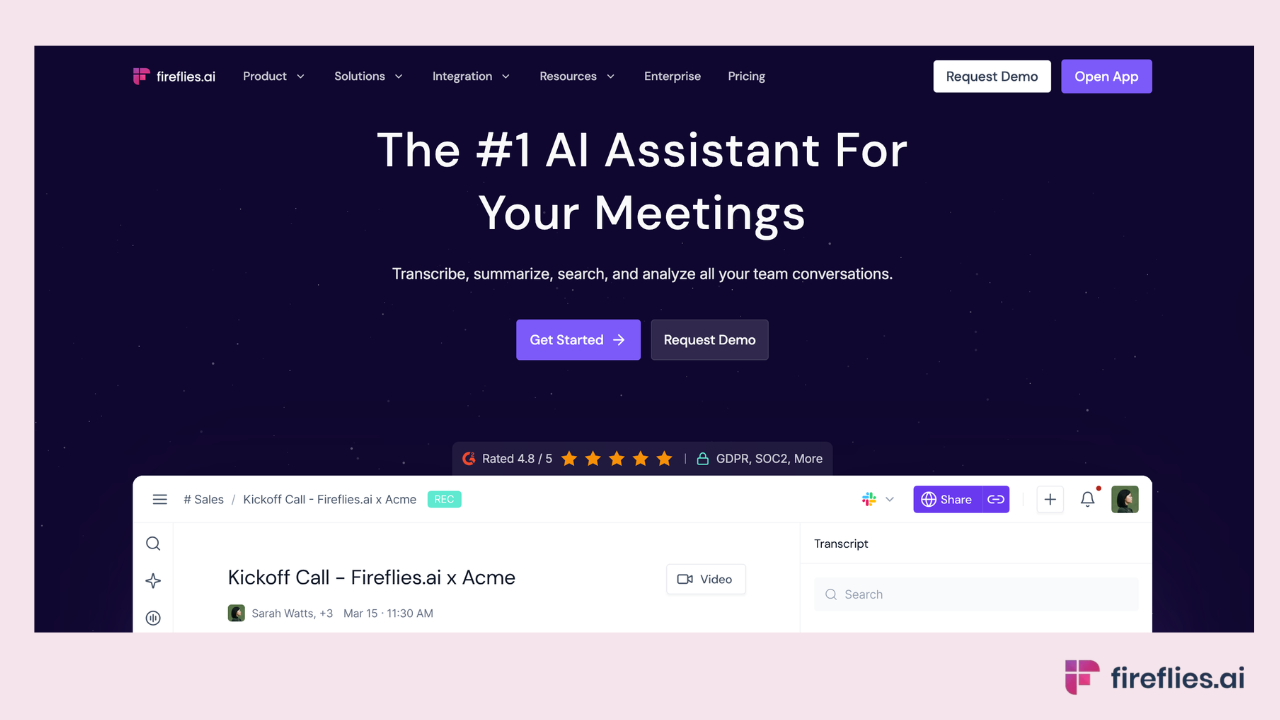
Fireflies is the #1 AI Assistant for meetings, email, Slack, CRM, and work. For consultants specifically, three capabilities set it apart as the leading consultancy meeting software for firms managing multiple clients.
Channels keep client engagements separated with distinct workspaces, permissions, and searchable histories. Client A's strategy sessions never surface during Client B's project review.
For boutique firms managing 10+ active clients simultaneously, this organizational layer prevents the confidentiality mistakes that keep consultants up at night.
Email Connector drafts meeting recap emails directly from transcripts in the consultant's voice, replacing the 20-minute manual recap that follows every client call.
AskFred searches across all past client engagements (subject to access controls): "What did the client say about the QBR target in our March meeting?" answered in seconds instead of scrubbing through recordings.
AI Skills automate the post-meeting work: push Action Items to Asana or Jira, update CRM fields, generate role-specific recaps for different stakeholders on the same engagement.
Where it falls short: Pricing is higher than free-tier alternatives. An indie consultant with three clients and a $0 tools budget probably doesn't need Fireflies' paid tier.
The free plan includes unlimited transcription, unlimited AI summaries, and 400 minutes of storage per team, but advanced features like CRM integrations and expanded storage sit on paid plans starting at $10/user/month. Video recording is available on Pro plans and above.
Compliance: SOC 2 Type II, HIPAA (Enterprise plan), FERPA (Enterprise + DSA), GDPR. Private storage available. Fireflies.ai does not use customer data to train any AI models. Your personal data is never used to train AI models. Users own their data. We impose a zero-data retention policy for meeting content with our AI vendors. See the full security overview and HIPAA compliance details.
Pricing: Paid plans start at $10/user/month
Best consultant fit: Boutique and enterprise consulting firms that need multi-client workspace separation, broad compliance coverage, and integration with Notion, Slack, CRM, and project management tools.
2. Granola
Best for: Solo consultants doing relationship-heavy work and in-person client meetings.
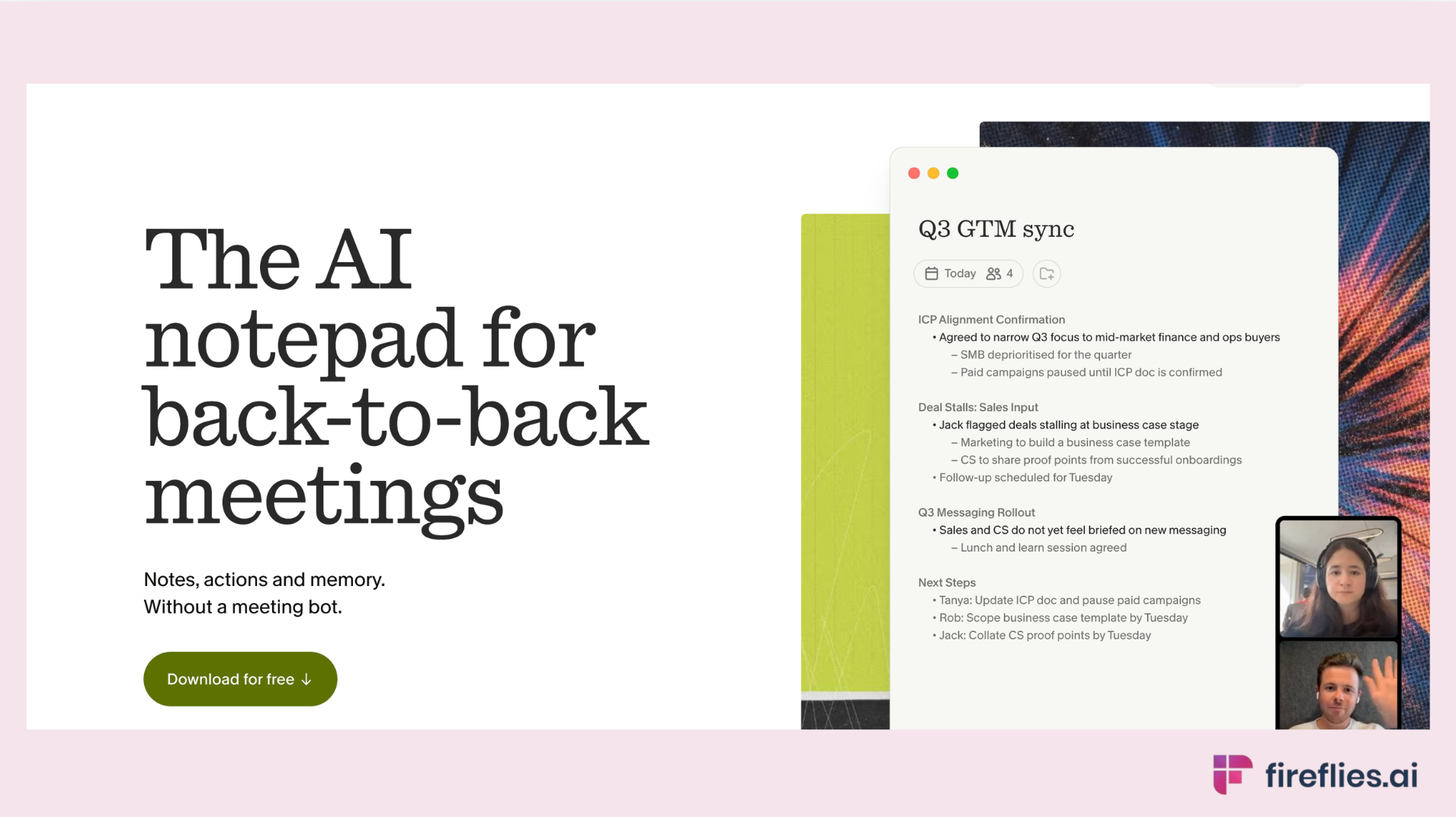
Granola takes a different approach. It runs as a desktop app that captures audio from your device and enriches your typed notes with AI, without joining the meeting as a bot. Nobody on the call sees an extra participant.
No bot joins the call, which preserves the dynamic in sensitive client conversations. You type brief notes during the meeting, and afterward the AI fleshes them out into a structured summary using the audio it captured
Where it falls short: Limited team workflows. No CRM integrations. No multi-client workspace separation like Fireflies' Channels. If you're a solo practitioner who works from a single device and doesn't need to share notes across a team, these limitations don't matter. If you're a firm with multiple consultants on the same engagement, they do.
Compliance: SOC 2 and GDPR compliant.
Pricing: Free plan available with limited meetings. Paid plans starts at $14 per user per month
Best consultant fit: Solo consultants and freelance advisors who prioritize relationship dynamics and don't need team collaboration or CRM integrations.
3. Otter.ai
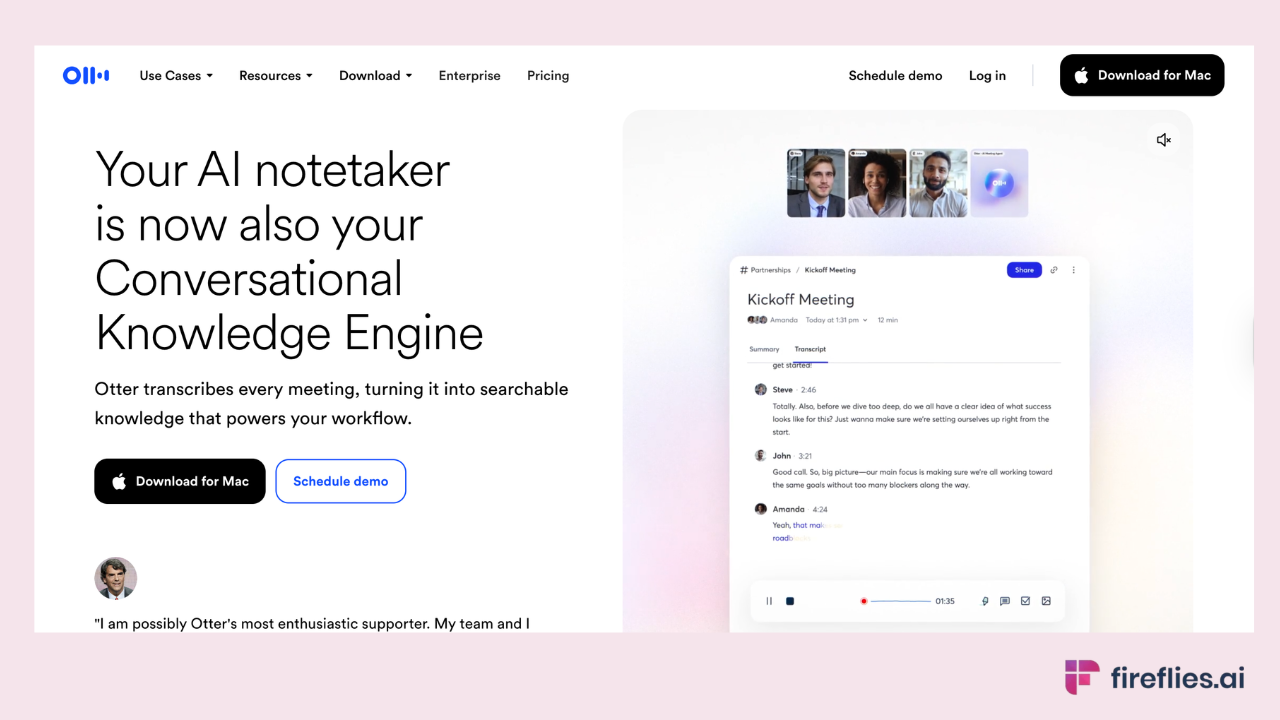
Best for: Live transcription with light team collaboration, especially for in-person meetings via mobile.
Otter's mobile app is the strongest option for recording in-person client meetings from your phone.
Language support covers 6 languages: English, Spanish, French, German, Japanese, and Chinese (Simplified).
Where it falls short: Compliance posture is lighter than Fireflies for regulated client meeting transcription work. No multi-client workspace separation. CRM integrations are limited to higher-tier plans. Language coverage is narrow compared to Fireflies' 100+ languages.
Compliance: SOC 2 Type II certified. HIPAA on Enterprise tier. GDPR compliant.
Pricing: Free (300 min/month). Pro at $16.99/user/month. Business and Enterprise tiers available.
Best consultant fit: Small consulting teams that do significant in-person client work and primarily operate in English.
4. Fathom
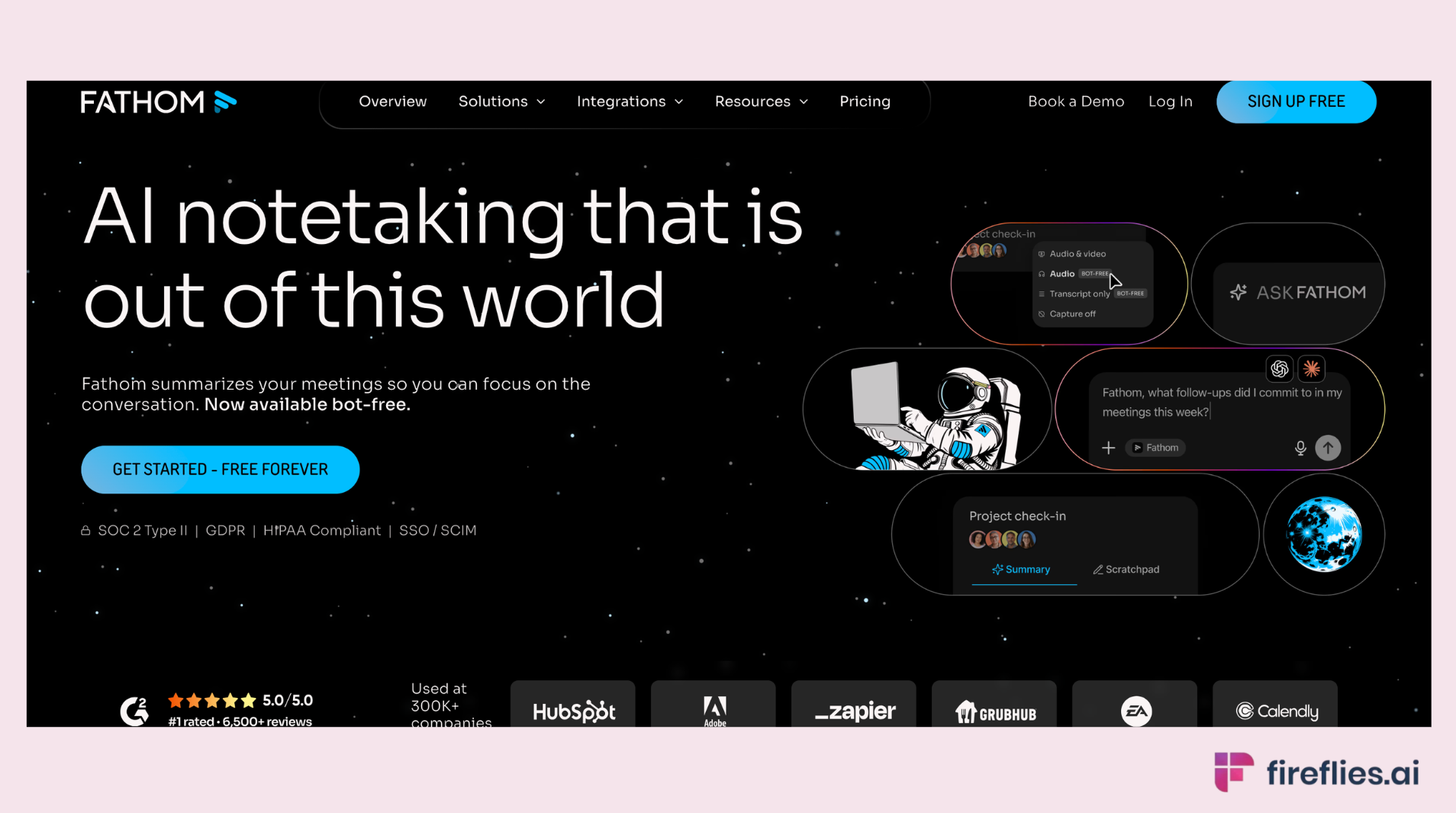
Best for: The best free option for independent consultants.
Fathom offers a genuinely useful free tier that covers unlimited recording and transcription across Zoom, Google Meet, and Microsoft Teams. For indie consultants who take 5-10 client calls per week and don't need CRM integrations or multi-client workspaces, it's hard to beat the value.
Where it falls short: Limited integrations compared to Fireflies (no CRM autofill, no Slack distribution, no project management push). No multi-client workspace separation. Compliance certifications are narrower. Once you grow from solo practice to a small firm with team needs, you'll likely outgrow it.
Compliance: SOC 2 Type II, GDPR and HIPAA compliant.
Pricing: Free tier with generous limits. Paid plans available for $19/month/user for teams.
Best consultant fit: Solo consultants and independent advisors who need reliable transcription without paying anything and don't yet need team features or compliance breadth.
5. ChatGPT Record
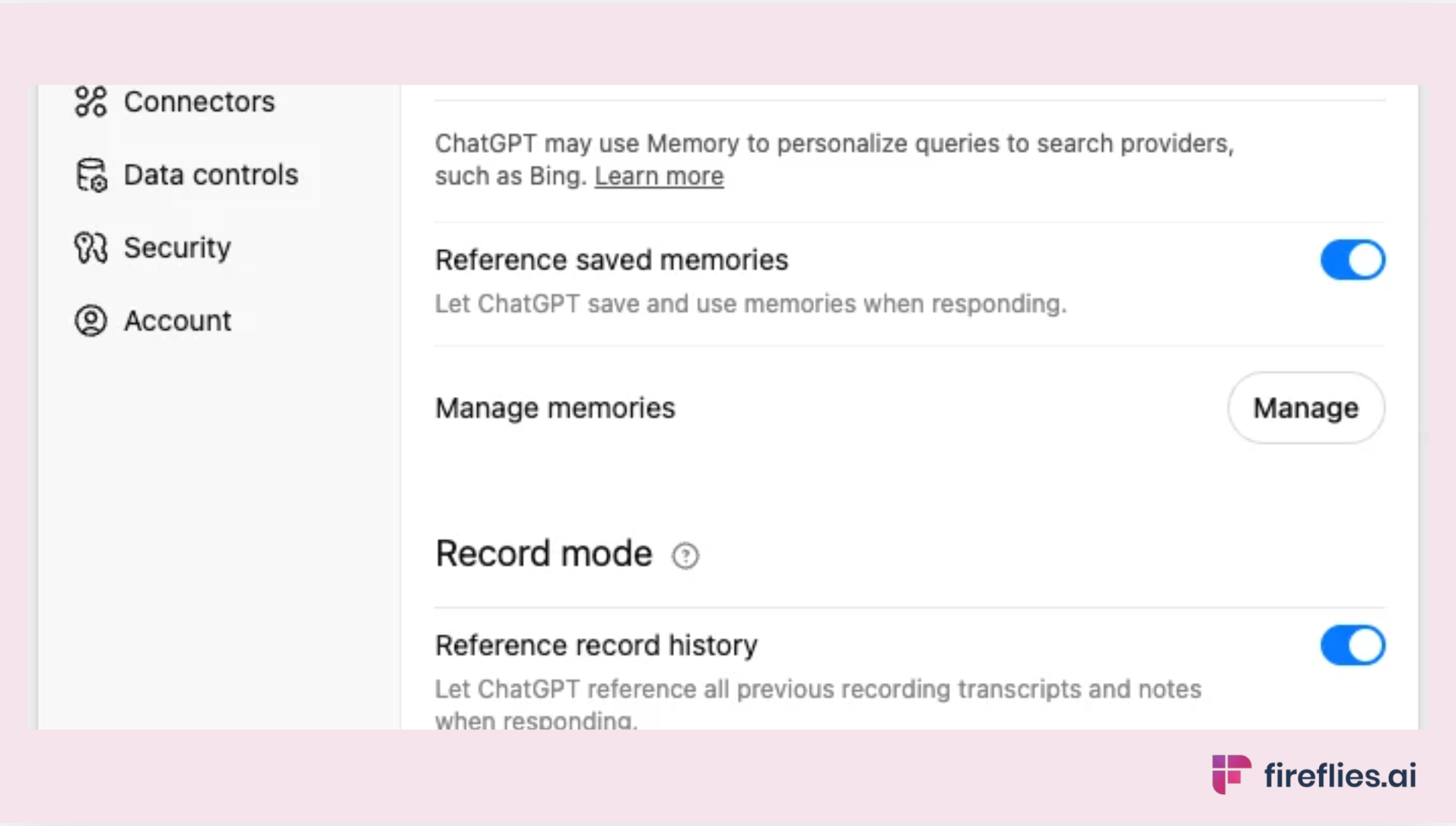
Best for: Ad-hoc personal use and one-off client calls for consultants already paying for ChatGPT.
ChatGPT Record captures audio from your device and generates an editable Canvas with a transcript and summary. If you're already on ChatGPT Plus ($20/month) and occasionally need to capture a client conversation, Record handles it without installing another tool.
Where it falls short: Not built for consulting workflows. No meeting platform integration (doesn't join Zoom, Meet, or Teams as a bot). No calendar sync or auto-join. No CRM or project management integrations.
No multi-client workspace separation. macOS only (no Windows, iOS, or Android). Speaker identification is partial (manual labels only, no auto-detection).
Compliance: SOC 2 certified for Business and Enterprise tiers. HIPAA only via ChatGPT for Healthcare with Enterprise BAA. No private storage. Data retained for 30 days after deletion. OpenAI excludes Business and Enterprise accounts from model training, but individual Plus accounts have different terms.
Pricing: Bundled in ChatGPT Plus ($20/month) and above. Not available on free or Go ($8/month) plans.
Best consultant fit: Consultants who already pay for ChatGPT and occasionally need a quick recording without setting up a dedicated meeting tool. Not suitable as primary AI meeting notes for consultants.
6. Notta
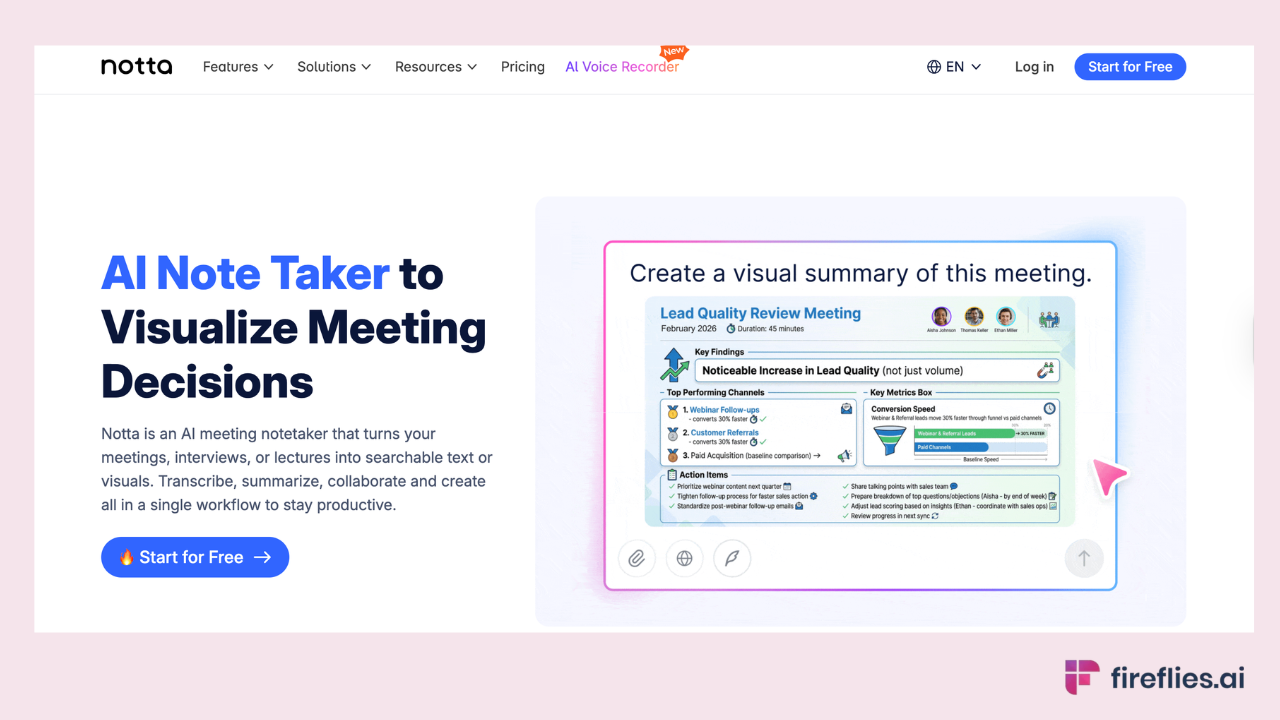
Best for: Multilingual consulting with global clients.
Notta covers 42 languages for transcription with built-in translation, which makes it the strongest option for consultants working across language barriers.
If your practice regularly involves meetings in Japanese, Arabic, Mandarin, Spanish, or other non-English languages, Notta handles the transcription and translation in a single tool.
Where it falls short: Less established in the North American consulting market than Fireflies or Otter. Integration depth is narrower than Fireflies' 100+ tools. Multi-client workspace separation is limited compared to Fireflies' Channels.
Compliance: SOC 2 Type II, ISO 27001, GDPR, HIPAA compliant (enterprise).
Pricing: Free plan available (limited). Pro plan starts at $13.49
Best consultant fit: Consultants with international client bases who regularly conduct meetings in multiple languages and need translation alongside transcription.
7. Bluedot
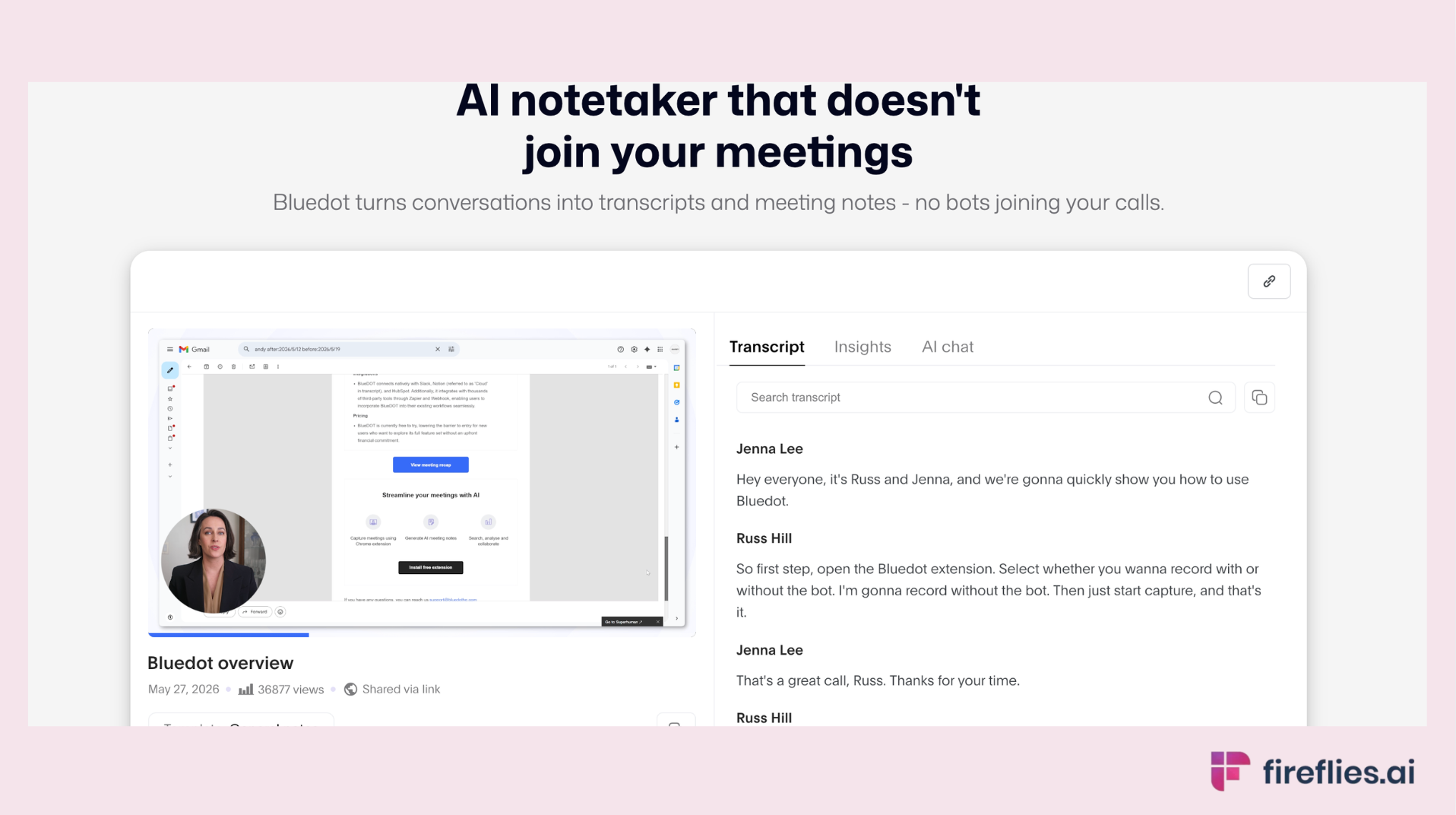
Best for: Bot-free Chrome extension capture for consultants who don't want a visible bot.
Bluedot runs as a Chrome extension that captures meeting audio without joining the call as a participant. Like Granola, the appeal is invisibility: no bot in the participant list, no client-facing disruption.
Where it falls short: Chrome-only (no Firefox, Safari, or desktop app). Limited integrations compared to Fireflies. Narrower compliance posture. No multi-client workspace separation.
Compliance: SOC 2 and GDPR compliant..
Pricing: Free plan available. Paid plans starts at $18/user/month.
Best consultant fit: Solo and boutique consultants who want bot-free capture and primarily use Chrome for client meetings. Also a solid option for AI notes for workshops where bot presence disrupts the dynamic.
8. Microsoft Copilot
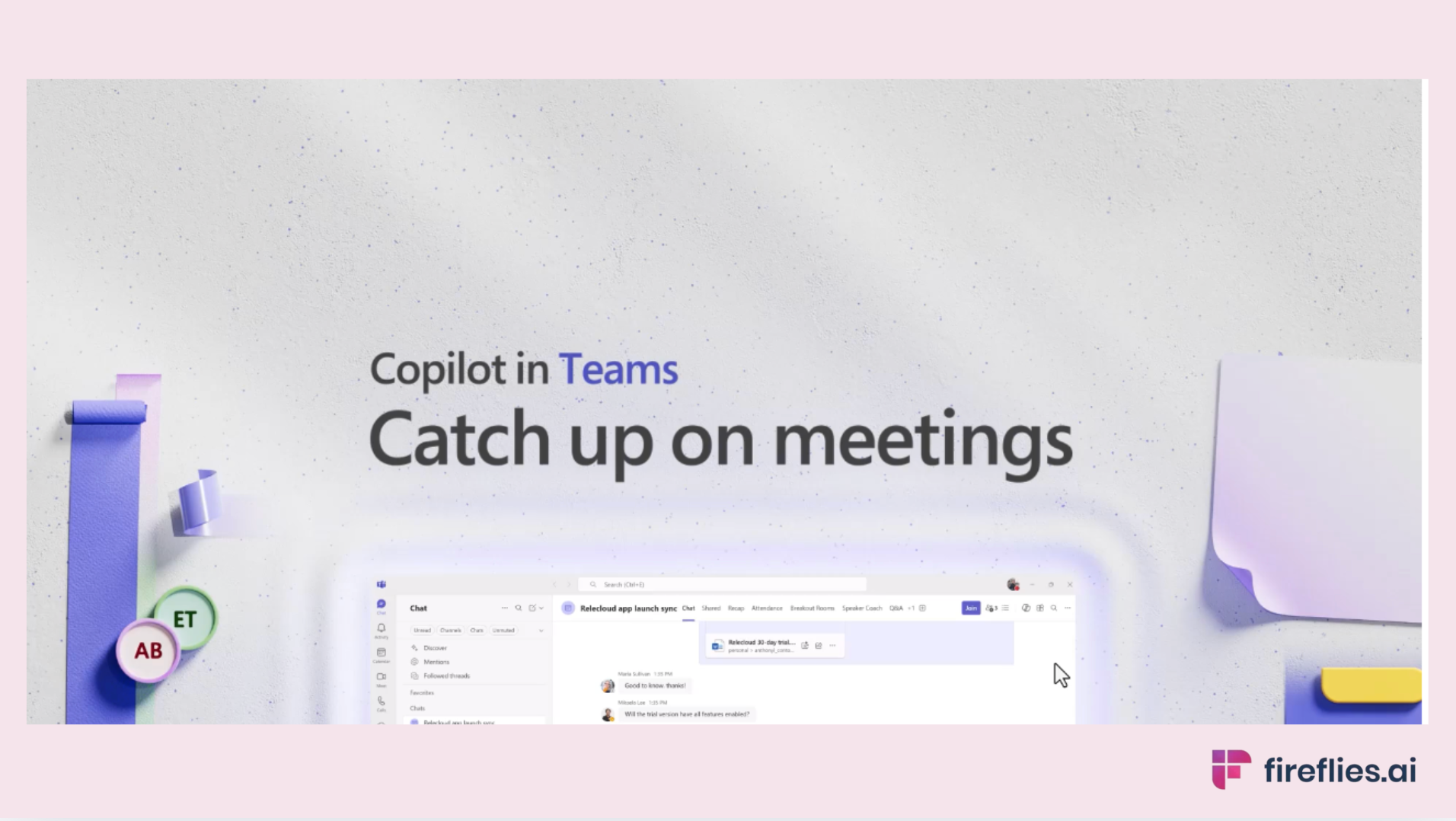
Best for: Consultants whose client firms mandate Microsoft Teams.
If your clients run their meetings on Microsoft Teams and require all tooling to stay within the Microsoft ecosystem, Copilot for Meetings handles transcription, summaries, and Action Item extraction natively inside Teams. Intelligent Recap organizes meeting content by topics and speakers.
Where it falls short: Requires either a Teams Premium license ($10/user/month) or Microsoft 365 Copilot license ($30/user/month). Advanced features like custom summary templates and video recap require the full Copilot license specifically.
Only works within Microsoft Teams. No cross-platform support for Zoom or Google Meet. No multi-client workspace organization. Limited usefulness for consultants who work across different client tech stacks.
Compliance: Full Microsoft enterprise compliance suite (SOC 2, HIPAA, GDPR, and more). The strongest compliance posture on this list, backed by Microsoft's enterprise infrastructure.
Pricing: Teams Premium at $10/user/month or Microsoft 365 Copilot at $30/user/month, on top of existing M365 subscription.
Best consultant fit: Consultants embedded in client environments that mandate Microsoft Teams and M365. Not practical for consultants who use Zoom, Google Meet, or work across multiple client platforms.
Confidentiality and Compliance: What Consultants Need to Know
Client consent
The legal landscape for recording client meetings varies by jurisdiction.
In the US, two-party consent states (California, Illinois, Florida, and others) require all participants to know the meeting is being recorded. In the EU, GDPR requires explicit consent for processing personal data, which includes meeting recordings.
Default to disclosure regardless of jurisdiction. Tell the client an AI notetaker will be capturing the meeting. Most clients are fine with it once you explain the value (better follow-up, accurate Action Items, faster deliverables). The ones who aren't will tell you, and you can turn it off for that engagement.
AI training on client data
This is the question every consultant should ask before choosing an AI notetaker: does the vendor use my client's meeting data to train its AI models?
Fireflies.ai does not use customer data to train any AI models. Your personal data is never used to train AI models. Users own their data. We impose a zero-data retention policy for meeting content with our AI vendors.
Not every tool on this list makes the same commitment. Verify each vendor's current data training policy before onboarding, especially for engagements covered by NDAs.
Compliance certifications matrix
Need an AI notetaker that meets your client's compliance requirements? Fireflies is SOC 2 Type II, HIPAA, FERPA, and GDPR compliant, with private storage and zero-data retention with AI vendors.
AI Notetakers for Workshops and Facilitation
Consultants who facilitate workshops face a unique challenge: you're leading the room and need AI notes for workshops simultaneously. Standard AI notetakers handle this differently depending on the capture model.
Bot-based capture (Fireflies, Otter): The AI notetaker joins the call as a visible participant. This works when the room is comfortable with the bot. In virtual workshops, participants are accustomed to seeing recording bots. In client-facing strategy sessions where trust dynamics are delicate, the visible bot can shift the conversation.
No-bot capture (Granola, Bluedot): Captures audio from the device without joining the meeting. Nobody on the call sees an additional participant. This preserves the room dynamic for sensitive facilitation. The trade-off: lighter post-meeting output (no video recording, sometimes weaker speaker identification).
In-person workshop capture (Fireflies mobile, Otter mobile): Record from your phone or laptop in the conference room. The AI processes the audio afterward and delivers a transcript and summary. For detailed guidance on this use case, see our guide to AI notetakers for in-person meetings.
The right choice depends on the client relationship. New client engagement where trust is still forming? No-bot capture. Established client who's comfortable with the tool? Bot-based capture gives richer output with better speaker identification.
How Fireflies Fits Consulting Workflows
Three consulting-specific use cases where Fireflies adds distinct value:
Multi-client Channels. Every client engagement gets its own Channel with separate permissions, searchable history, and access controls. When you're managing 10 active clients, this prevents the cross-contamination that simpler tools allow. Search stays scoped. Summaries stay separated. Permissions stay distinct.
Email Connector for deliverable-ready follow-ups. After every client meeting, consultants typically spend 15-20 minutes writing a follow-up email summarizing what was discussed and what happens next. Email Connector drafts that email directly from the transcript, in the consultant's voice, ready to review and send. That 15-minute task becomes a 2-minute review.
AskFred for cross-engagement search. Six months into an engagement, the client references a decision from the kickoff meeting. Instead of scrubbing through recordings or searching email, AskFred answers "What did the client say about the implementation timeline in our January meeting?" with grounded citations from the actual transcript.
Fireflies is the #1 AI Assistant for meetings, email, Slack, CRM, and work. It joins your client meetings, transcribes at 99% accuracy in English and 95% in other languages, and delivers structured summaries with Action Items. 100+ languages, 100+ integrations, SOC 2 Type II, HIPAA, FERPA, and GDPR compliant. Trusted by 20M+ users and 75% of the Fortune 500.
The free plan includes unlimited transcription, unlimited AI summaries, and 400 minutes of meeting storage per team. Paid plans start at $10/user/month. Video recording is available on Pro plans and above.
Fireflies is the #1 AI Assistant for meetings, email, Slack, CRM, and work. It joins your client meetings, transcribes at 99% accuracy in English (95% in other languages), keeps client workspaces separate, and drafts deliverable-ready follow-ups. SOC 2 Type II, HIPAA, FERPA, and GDPR compliant. Free plan available.
FAQs
What is the best AI notetaker for consultants overall?
For multi-client consulting firms, Fireflies is the most complete option. For solo relationship-heavy work, Granola. For budget-conscious independents, Fathom. The best choice depends on practice size and compliance needs.
Top picks by consultant type:
- Fireflies: multi-client firms, compliance-heavy work, integration depth
- Granola: solo consultants, in-person meetings, no-bot preference
- Fathom: independent consultants, free tier, simple setup
- Notta: multilingual consulting, global clients
- Microsoft Copilot: Teams-mandated enterprise environment
Can consultants legally record client meetings?
It depends on jurisdiction. In the US, two-party consent states (California, Illinois, Florida, and others) require all participants to know the meeting is being recorded. In the EU, GDPR requires explicit consent. Default to disclosure regardless of where you're based. Tell the client, explain the value, and turn it off if they decline.
What AI notetaker is HIPAA compliant?
AI notetakers with HIPAA compliance as of 2026:
- Fireflies (Enterprise plan)
- Otter.ai (Enterprise tier)
- Notta
- Microsoft Copilot (full Microsoft compliance suite)
- ChatGPT Record (limited, via ChatGPT for Healthcare with Enterprise BAA only)
Verify each vendor's current HIPAA documentation before onboarding for healthcare consulting.
Do I need my client's consent to use an AI notetaker?
Yes, in most jurisdictions. Even where one-party consent applies legally, professional ethics and client trust make disclosure the right default for consultants. Inform the client before the meeting, explain what the tool captures and how the data is handled, and respect their decision if they decline.
Can solo consultants afford AI notetakers?
Yes. Fathom offers a free tier with unlimited recording and transcription. Fireflies' free plan includes unlimited transcription and 400 minutes of storage. ChatGPT Record is bundled in ChatGPT Plus ($20/month) for consultants already paying for ChatGPT. Granola has a free plan for limited use. Budget is not a barrier to getting started.
How do I keep client meetings confidential when using AI notetakers?
Five steps:
- Choose a tool with a verified no-training policy (Fireflies does not use customer data to train AI models).
- Separate client workspaces so one client's content never surfaces in another's searches or summaries.
- Verify the vendor holds SOC 2 Type II at minimum, plus HIPAA/GDPR where required.
- Disclose the AI notetaker to the client before recording begins.
- Use private storage to keep recordings under your control rather than on shared vendor infrastructure
What's the best AI notetaker for facilitated workshops?
For virtual workshops where a visible bot is acceptable, Fireflies or Otter provide the richest output (full transcript, speaker identification, AI summary). For workshops where bot presence disrupts the dynamic, Granola (desktop audio capture) or Bluedot (Chrome extension) stay invisible to participants. For in-person workshops, Fireflies' mobile app or Otter's mobile app record from your phone.
Should I use ChatGPT to take notes in client meetings?
ChatGPT Record works for occasional, low-stakes personal capture. It's not built for consulting workflows: no auto-join, no CRM integration, no multi-client separation, macOS only, and compliance posture is lighter than dedicated meeting tools. For regular client meetings, a dedicated AI notetaker gives better output with less manual work.
What AI notetaker do management consultants typically use?
Management consultants typically choose based on what passes procurement. The most common tools:
- Microsoft Copilot: Teams-mandated enterprise environments
- Fireflies Enterprise: cross-platform coverage with compliance breadth
- Fireflies (Boutique): multi-client workspace organization
- Fathom: solo management consultants on a budget
- Granola: solo consultants who prefer no-bot capture
How do I keep notes from different clients separate?
Fireflies' Channels feature creates distinct workspaces per client with separate permissions and access controls. Each client engagement stays in its own Channel, so searches, summaries, and AskFred queries are scoped to that client only. If your tool doesn't offer workspace separation, you're relying on manual file organization, which creates confidentiality risk as your client base grows.
Conclusion
The right AI notetaker for your consulting practice depends on three things: whether you're solo, boutique, or enterprise; whether your work requires specific compliance certifications; and whether you spend significant time facilitating client workshops.
For multi-client firms with compliance requirements, Fireflies covers the broadest set of needs: workspace separation, compliance breadth, integration depth, and deliverable-ready output. For solo consultants prioritizing relationship dynamics, Granola keeps AI invisible to the client. For budget-conscious independents, Fathom's free tier is the best starting point.
All eight tools offer free plans or trials. Test the one that matches your situation with a real client meeting before committing.