Ever looked at your notes after a meeting and wondered how you're ever going to organize them?
Most people leave a meeting with a mess of notes and no clear record of what was decided. That's why having a meeting minutes template can be a lifesaver.
Below, you will find 12 free templates for every meeting type, tips on how to write better minutes, and how AI tools like Fireflies can handle the whole process for you.
But first, let's go over the things that are non-negotiable for writing meeting minutes.
What Should Meeting Minutes Include?
Meeting minutes serve as an official record of decisions and outcomes from a meeting. Here's what every set needs at a bare minimum:
- Meeting details: Include the organization's name, the type of meeting (e.g.,staff, board, etc.), the date, time, and location or video call link.
- Attendees: List everyone present and absent, along with the name of the person recording the minutes.
- Approval of previous minutes: Note whether the last set was accepted or amended.
- Agenda items and decisions: Summarize what was discussed and decided for each topic, including the exact wording of any motions and how the vote went.
- Action items: List any assigned tasks, the person responsible, and the due date.
- Next steps and future meetings: Note anything carried forward and the date and time of the next meeting.
- Adjournment: Record the time the meeting ended.
- Attachments: Reference any documents reviewed during the meeting and attach them as separate files.
How AI Is Changing Meeting Minutes in 2026
Meeting minutes are no longer a manual task. AI has equipped teams with tools to document, organize, and share meeting outcomes automatically.
Why Manual Note-Taking Is a Bottleneck
Manual note-taking can be a hassle because it's easy to make mistakes and miss important details.
While meeting minutes templates can organize your notes and make them more presentable, what about getting the meeting details right?
That's why teams use Fireflies to handle the documentation side automatically.
How Fireflies Auto-Generates Meeting Minutes
Fireflies takes over the documentation side of your meetings so you can focus on the conversation. It joins your call automatically on Zoom, Google Meet, and Microsoft Teams, and gets to work the moment someone starts talking. Here is what it does:
- Records and transcribes the full conversation with high accuracy
- Generates a meeting summary with time-stamped chapters broken down by topic
- Automatically detects and lists action items, including who is responsible for each one
- Creates a searchable transcript you can query by keyword or speaker
- Pushes action items directly to tools like Asana, Jira, or Slack
Fireflies lets you build custom summary templates and assign them by meeting type, so every recap matches the format you need. You can configure the output however you need, whether that is a formal board minutes layout or a quick async recap.
That's not all. With Topic Tracker, you can monitor specific keywords and themes across all your meetings in real time. AskFred lets you find any moment across past conversations instantly, and speaker analytics gives you a breakdown of talk time and engagement across your team.
And if you need support during the meeting itself, Live Assist gives you real-time suggestions, answers, and coaching right as the conversation is happening.
Quick tips to take meeting minutes
There is no specific format for taking meeting minutes. However, you can use these tips to effectively take note of everything that goes on in your meetings.
- Record essential details such as date, time, attendees, agenda, decisions, actions, and responsibilities.
- Use clear and simple language and avoid technical jargon or personal opinions.
- Be objective and stick to the facts without making assumptions.
- Summarize discussions and key points while avoiding irrelevant details.
💡 Fireflies Tip
Do you find note-taking tedious and time-consuming? Try Fireflies! It can transcribe, summarize, and analyze online meetings, calls, and video/audio recordings. It can help you review meetings in minutes and track important information.
12 Best meeting minutes templates
Different types of meetings call for different templates. Here are 12 free templates covering every meeting type you will ever need.
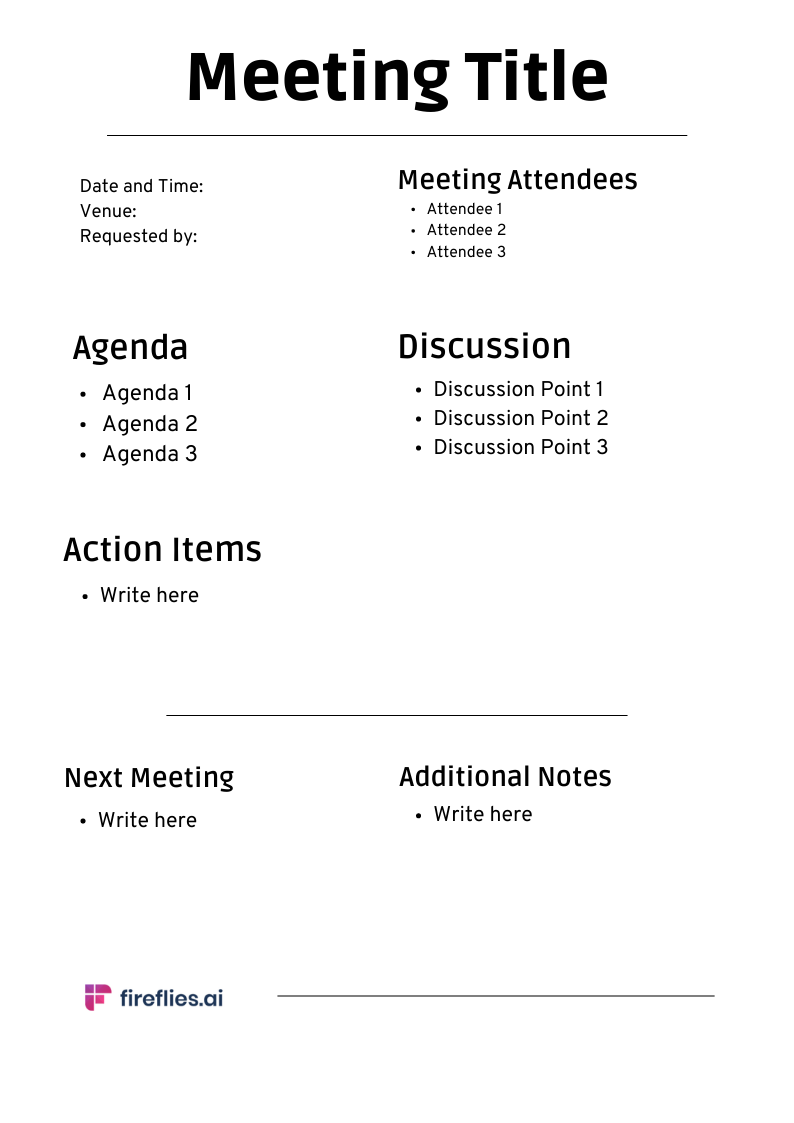
1. Basic Meeting Minutes Template
- It is ideal for routine meetings that require minimal details.
- Use it for quick check-ins, small team huddles, or one-on-one meetings.
- Track progress by recording attendees, agenda items, discussion points, and action items.
- The template is simple and straightforward, ensuring that meetings are documented efficiently.

2. Project Meeting Minutes Template
- Typically used by project managers, this template helps document project updates, issues, and resolutions.
- It's also useful in tracking project timelines, goals, action items, budgets, and the team's progress.
- You can use it to track project milestones and ensure team accountability.

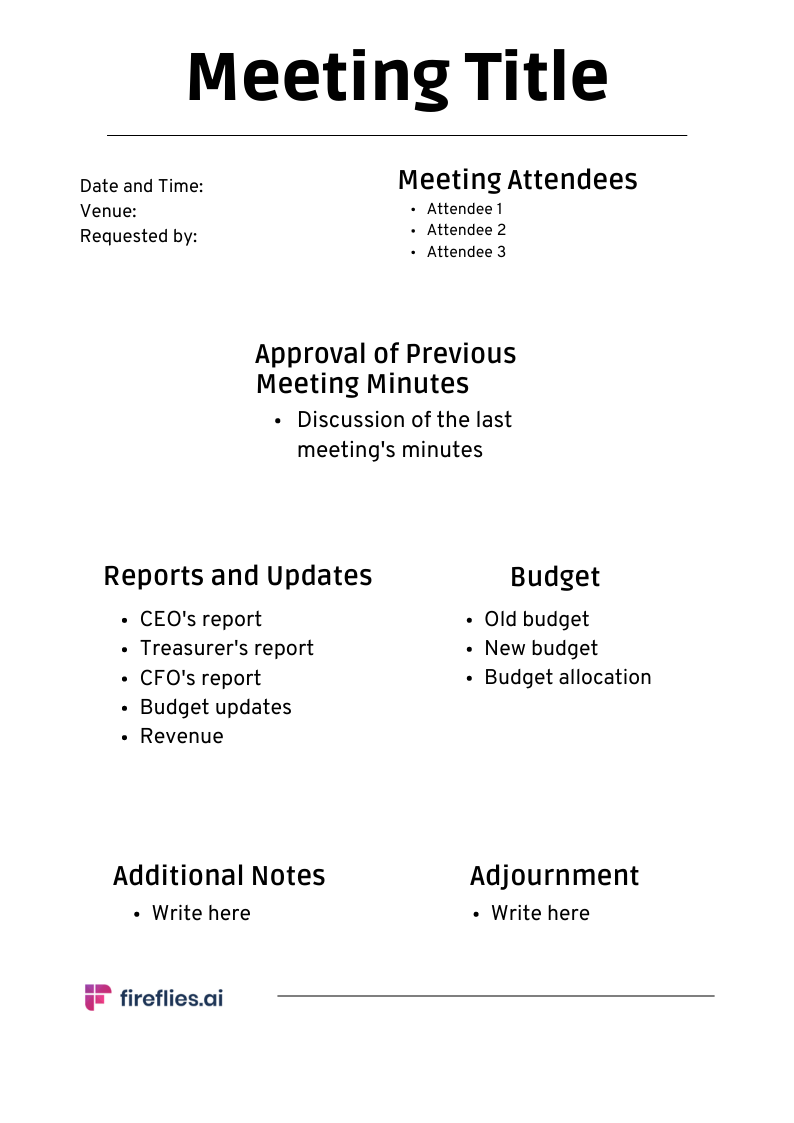
3. Board Meeting Minutes Template
- The board meeting minutes template is ideal for NPOs, government agencies, corporations, and healthcare organizations.
- Along with adding the approval of previous minutes, list all agenda items and document all the decisions related to each item.
- The template should also include reports, changes to policies, and voting. Ensure the meeting minutes are accurate and concise.

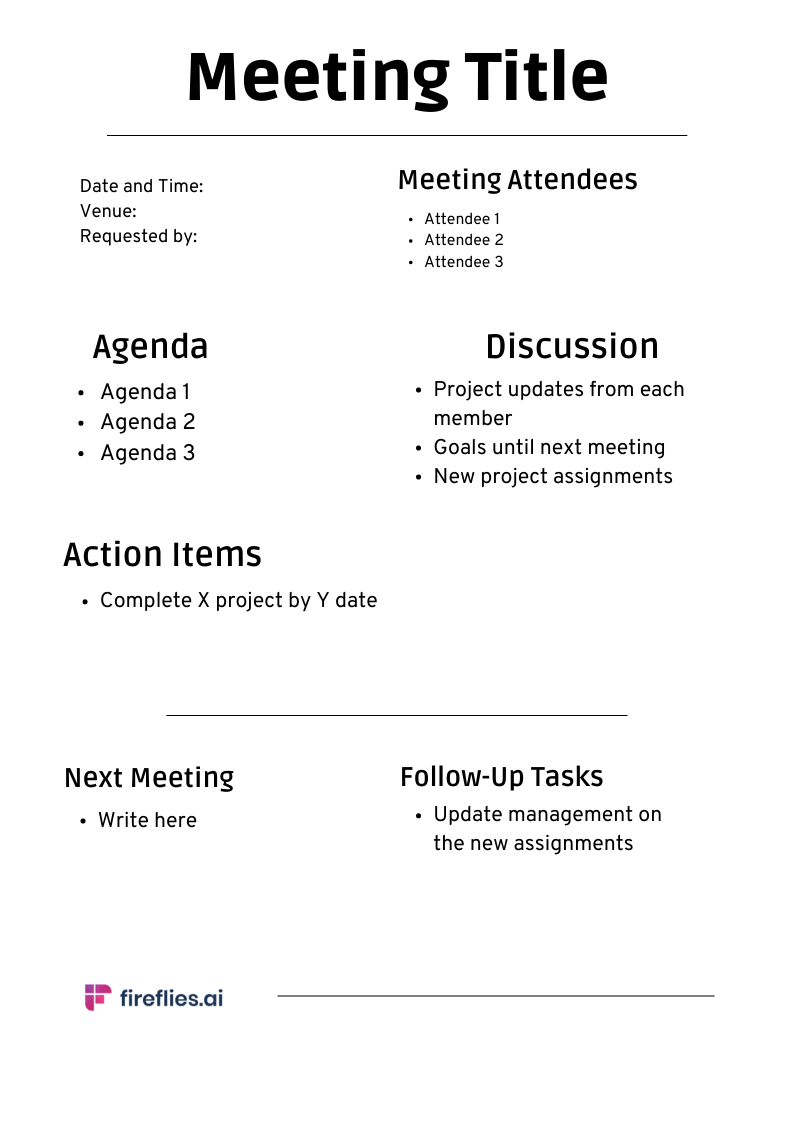
4. Staff Meeting Minutes Template
- The Staff Meeting Minutes Template is perfect for regular staff meetings.
- It's essential for documenting organizational changes, reviewing performance metrics, and planning team-building activities.
- The template should include agenda items, discussion points, action items, and follow-up tasks.

5. Finance/admin Meeting Minutes Template
- This template is typically used by finance managers, analysts, administrative staff, and executive assistants for financial reporting, administrative strategy, or to plan budgets.
- It's essential to record financial decisions made during the meeting, such as budget allocation, expenses, and revenue.
- The template should also include administrative tasks, such as record-keeping and follow-up tasks.

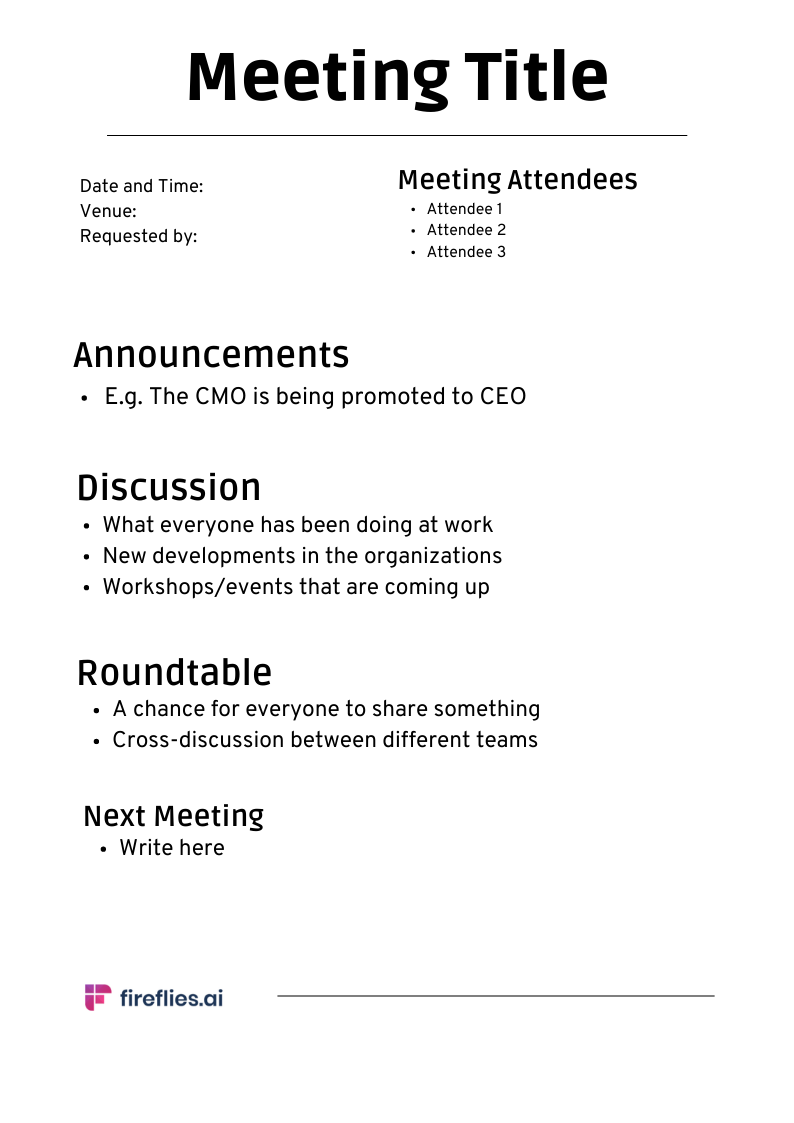
6. Roundtable Meeting Minutes Template
- The purpose of a roundtable meeting is to encourage open dialogue and brainstorming.
- These meetings are often used to encourage collaboration, build consensus, and generate innovative solutions to complex problems.
- Because roundtable meetings are fast-paced and generate a wealth of ideas that may not always translate into actionable items, it's important to record the main points of discussion, identify speakers, and highlight any action items, which is possible with 95%+ accuracy with this AI note-taker.

💡 Never miss a beat. Or the minutes with Fireflies.ai
Capture, record, transcribe, collaborate, and gain valuable insights into your business meeting with this AI assistant!
7. Annual Meeting Minutes Template
- The Annual Meeting Minutes Template is for the yearly meeting of shareholders, members, or stakeholders.
- It's essential to record key decisions, financial statements, and reports. The template should also include the agenda, attendees list, and motions or votes.

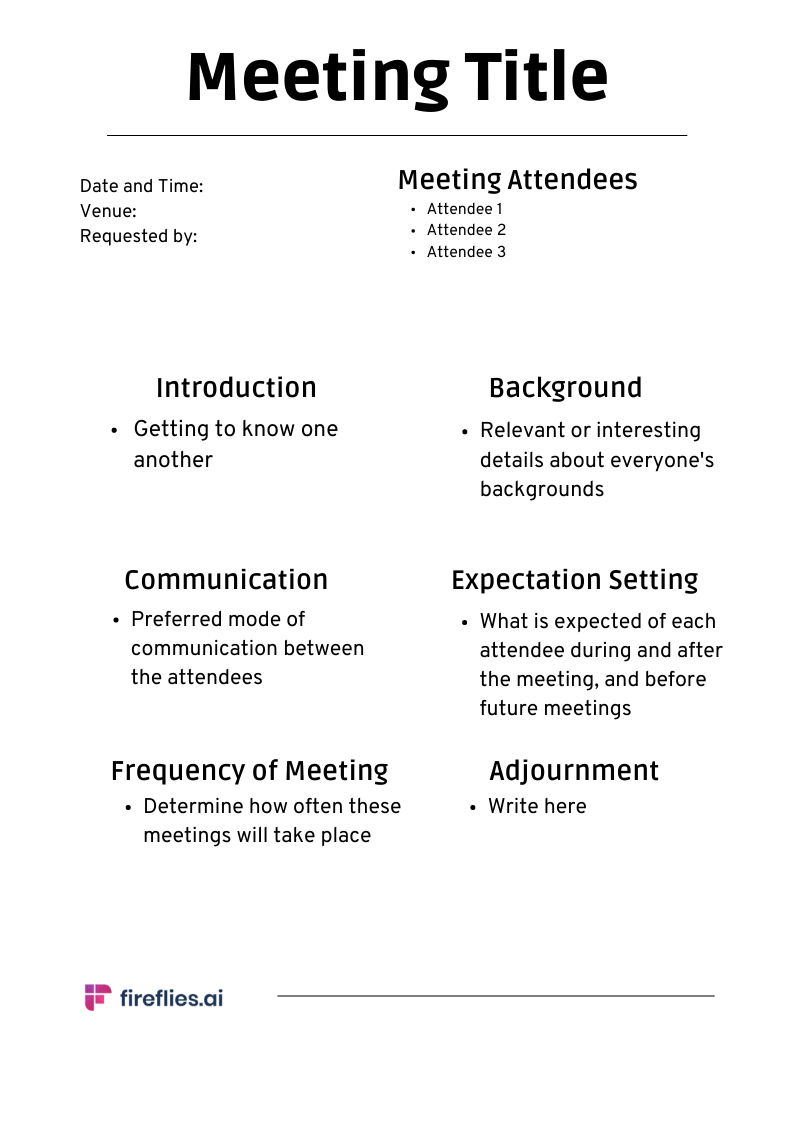
8. First-time Meeting Minutes Template
- The First-Time Meeting Minutes Template is for initial meetings, such as kick-off meetings for a new project or introductory meetings with a new client.
- Establish goals and expectations and discuss roles and responsibilities in these meetings.
- The template should include an elaborate agenda, discussion points, and action items.

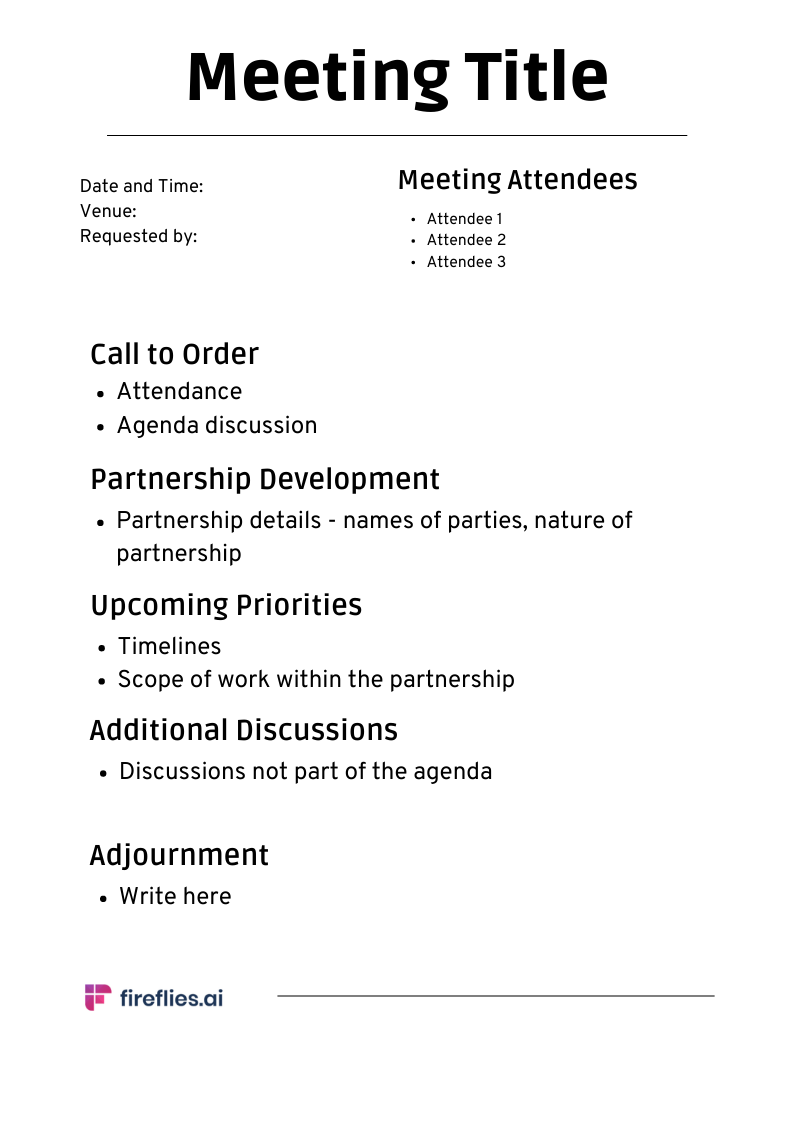
9. Partnership Meeting Minutes Template
- The Partnership Meeting Minutes Template is for meetings between two organizations or companies that have agreed to work together.
- It's essential to record agreements made, timelines, action items, and follow-up tasks. The template should also include a list of attendees and an agenda to ensure the meeting stays on track.

10. One-on-One Meeting Minutes Template
- The One-on-One Meeting Minutes Template is for recurring conversations between a manager and a direct report
- It is handy for tracking career growth, flagging blockers, and keeping a continuous record of development over time. Use it alongside a consistent meeting cadence to get the most out of regular check-ins
- The template should also include feedback from both sides and agreed commitments before the next session.

11. The Remote Meeting Minutes Template
- The Remote Meeting Minutes Template is designed for distributed teams working across different time zones.
- Use it to document live video calls or async updates so everyone stays aligned regardless of when they tune in.
- As schedules tend to vary across locations, it is also important to include recording links and written status updates for anyone who could not attend live.

12. Retrospective / Sprint Meeting Minutes Template
The Retrospective / Sprint Meeting Template is for Agile and Scrum teams wrapping up a sprint or project phase.
- Use it to review team performance, identify process gaps, and agree on improvements for the next cycle.
- It keeps retrospectives focused and ensures every improvement gets assigned to a specific owner.
- The template should include a review of sprint goals, what went well and what did not, and an action item log with clear owners and deadlines.

Meeting Minutes Format: What Does a Good Template Look Like?
Not all meeting minutes look the same. The format you use depends on the type of meeting, who is in the room, and how the records will be used.
Formal vs. Informal Format
Formal minutes are what they sound like. They follow a strict structure and serve as an official record of decisions made in high-stakes settings, such as board meetings and shareholder meetings. The exact wording of motions, vote counts, and chair sign-off are all required before they are filed.
Informal minutes are the opposite. They have a flexible structure and prioritize speed over formality. Common in team syncs, project check-ins, and brainstorming sessions, the focus is on decisions and action items rather than procedural detail.
If you use Fireflies, it adapts to both formats automatically, generating structured summaries for formal meetings and quick action-focused recaps for informal ones.
Comparison Table: Meeting Type vs. Template
How to Write Meeting Minutes Effectively
These templates are only as good as the information you put into them. Here is how to write meeting minutes that are effective and easy for anyone to reference.
Before the Meeting
- Review the meeting agenda to familiarize yourself with the topics and identify where key decisions are likely to come up.
- Create a template with fields for the meeting name, date, time, location, and attendees already filled in.
- Check in with the chair to understand how much detail they want captured.
During the Meeting
- Focus on decisions, action items, and outcomes rather than trying to write down everything that is said.
- Note who is responsible and the due date for every task assigned.
- Use the agenda items to organize your notes as you go.
- Ask for clarification on the spot when a decision or task owner is unclear.
- Just record facts and skip the side conversations and opinions.
After the Meeting
- Draft the minutes while the meeting is still fresh in your mind.
- Attach any reports or documents that presenters referenced during the meeting.
- Proofread for errors and accuracy before sharing with anyone.
- Get the chair's approval before distributing the final version.
- Send the minutes to everyone who attended and anyone who could not make it. You may also want to send a meeting recap email to summarize the key takeaways
- Store them in a shared folder and make sure everyone can access them.
Tips for Writing Better Minutes
- Never leave an action item without a name and a deadline attached to it.
- Use active phrasing throughout, such as saying, "The team agreed on a deadline" instead of "A deadline was agreed on."
- Write in past tense since the report covers events that have already taken place.
- Use headings and bullet points to make the document easy to scan.
- Delete any recordings or personal notes after getting approval. The final minutes should be the only official record.
- If you are new to taking minutes, use a voice recorder as a backup so you do not miss anything important.
Maximize your meeting efficiency with an AI-notetaker
Stop taking notes. Start running better meetings.
If you want to simplify your meeting minutes, Fireflies is the tool for the job. It joins your meetings automatically and takes care of the recording, transcribing, and summarizing for you.
Once the meeting ends, Fireflies turns every conversation into searchable, actionable knowledge your whole team can use. Ask AskFred about any past meeting, and across your connected Slack, email, and CRM too. AI Skills handle the follow-up automatically: extracting action items, drafting follow-up emails, and pushing tasks to your CRM or project tools.
And if you need support during the call itself, Live Assist gives you real-time suggestions, answers, and a running summary so you never lose the thread.
Try Fireflies for free and automate your meeting minutes from your next call.
FAQs
What Is the Difference Between Meeting Minutes and Meeting Notes?
The main difference between meeting minutes and meeting notes is how they are treated and used. Meeting minutes are typically formal documents that serve as the official record of a meeting. Meeting notes are informal personal summaries used for memory and reference rather than compliance.
Who Should Take Meeting Minutes?
The company secretary or an executive assistant typically handles this in formal settings like board meetings. If your team does not have a designated person, you can rotate the role among participants.
How Long Should Meeting Minutes Be?
Meeting minutes should be as concise as possible. A good rule of thumb is to keep it to one to three pages so that it is easy for anyone to read and reference later.
Can AI Take Meeting Minutes Automatically?
Yes. Fireflies joins your call and starts capturing the conversation right away. It then generates a full transcript with action items once the meeting ends. It is all done without any manual input, though human review is still recommended before the final distribution takes place.
How Do You Share Meeting Minutes After a Meeting?
Clean up your draft within 24 hours and send it to the chair for approval. Once approved, email the final version to all attendees and anyone who could not make it. It is also advisable to create a shared folder and store approved copies in it so your team can access them from anywhere.